• Tuya Smart WiFi US Socket Plug - Remote Control via App, Voice Control with Alexa/Google
  • Tuya Smart WiFi US Socket Plug - Remote Control via App, Voice Control with Alexa/Google
  • Tuya Smart WiFi US Socket Plug - Remote Control via App, Voice Control with Alexa/Google
  • Tuya Smart WiFi US Socket Plug - Remote Control via App, Voice Control with Alexa/Google
  • Tuya Smart WiFi US Socket Plug - Remote Control via App, Voice Control with Alexa/Google
  • Tuya Smart WiFi US Socket Plug - Remote Control via App, Voice Control with Alexa/Google
  • Tuya Smart WiFi US Socket Plug - Remote Control via App, Voice Control with Alexa/Google
  • Tuya Smart WiFi US Socket Plug - Remote Control via App, Voice Control with Alexa/Google
  • Tuya Smart WiFi US Socket Plug - Remote Control via App, Voice Control with Alexa/Google
  • Tuya Smart WiFi US Socket Plug - Remote Control via App, Voice Control with Alexa/Google
  • Tuya Smart WiFi US Socket Plug - Remote Control via App, Voice Control with Alexa/Google
  • Tuya Smart WiFi US Socket Plug - Remote Control via App, Voice Control with Alexa/Google

Tuya Smart WiFi US Socket Plug - Remote Control via App, Voice Control with Alexa/Google

No.PST-BSD01
Tuya WiFi smart plug with US three-prong, 10A/16A options, app schedules, and Alexa and Google voice control. OEM options for wholesale orders.
10A/16A:
10A
16A
16A with metering
  • Tuya Smart WiFi US Socket Plug - Remote Control via App, Voice Control with Alexa/Google
  • Tuya Smart WiFi US Socket Plug - Remote Control via App, Voice Control with Alexa/Google
  • Tuya Smart WiFi US Socket Plug - Remote Control via App, Voice Control with Alexa/Google
  • Tuya Smart WiFi US Socket Plug - Remote Control via App, Voice Control with Alexa/Google
  • Tuya Smart WiFi US Socket Plug - Remote Control via App, Voice Control with Alexa/Google
  • Tuya Smart WiFi US Socket Plug - Remote Control via App, Voice Control with Alexa/Google
  • Description

  • Detailed Images

Product Overview

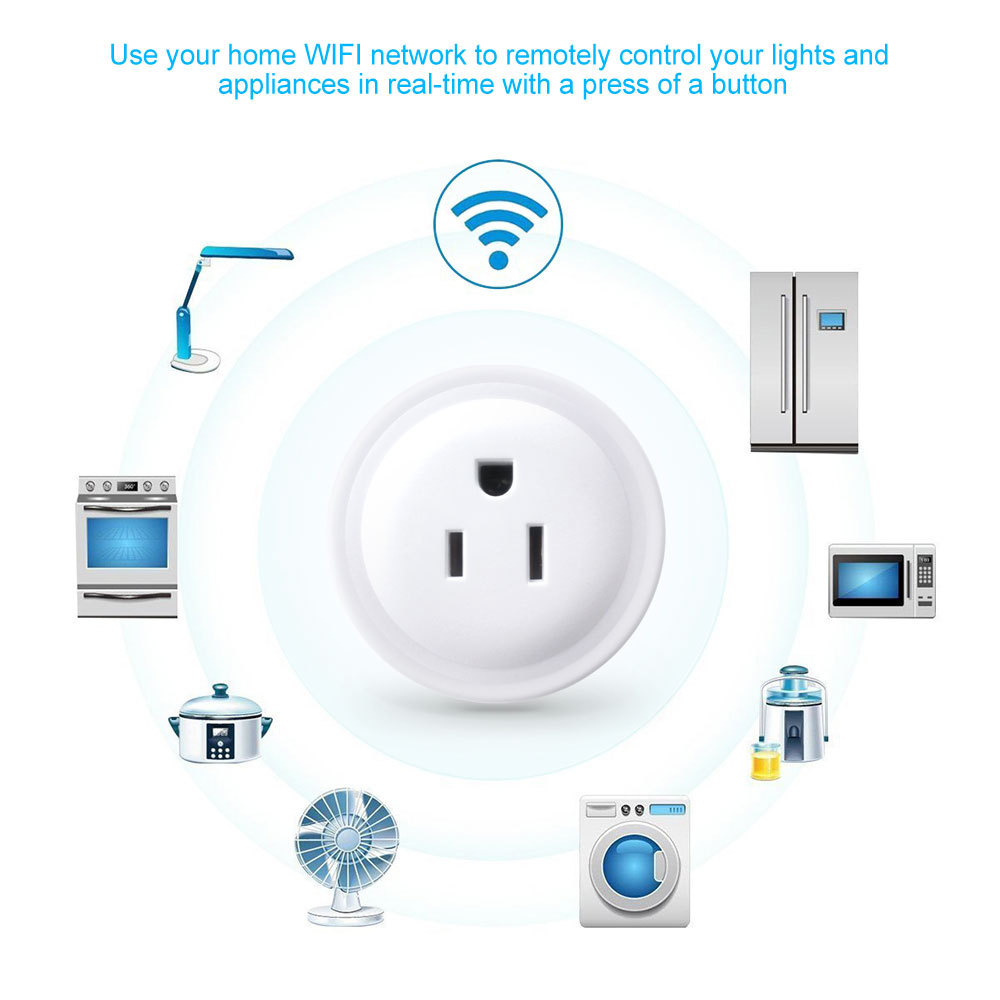
A plug-in wifi smart plug in the US three-prong format: a round white body that sits in any standard US wall outlet and makes whatever is plugged into it switchable from a phone. There is no gateway or bridge in the chain — the unit joins the 2.4 GHz network directly and is managed from Tuya Smart or Smart Life, with Amazon Alexa and Google Assistant able to turn it on and off by voice. A push button on the side works the load by hand, so the smart socket is never dependent on a phone or a stable network. We are a smart socket manufacturer supplying this model to electrical distributors, smart-home installers and private-label brands in US-standard markets. Housing and insulation. The body is moulded in ABS+PC, a pairing chosen for electrical insulation and heat resistance rather than for looks. The round shape leaves air space around the socket face and keeps the switching components clear of the outer shell, so a smart plug that runs a lamp for eight hours a day does not build up heat the way a tightly packed cube does. One less device to fail. The plug talks to the router directly, so there is no gateway to power, pair, keep updated or replace. That is one item off every installation quote and one support call off every handover. Local control that never depends on the cloud. The side button switches the load with no phone and no network, so a dropped connection never leaves a room dark or a fan running all night. Over-current protection. The plug carries over-current protection and is built to the electrical safety requirements of the markets it ships into; matching the version to the appliance is the decision that matters at the ordering stage. One app for a whole site. Multiple plugs sit in the same account and can be grouped by room, so an installer can hand over a flat or an office floor with every outlet already named and scheduled. We supply this unit as a smart socket plug manufacturer alongside the switches, sockets and MCBs in the same range, which keeps one app, one pairing routine and one reorder path across a mixed project.

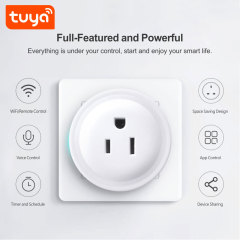
Control & Automation Features

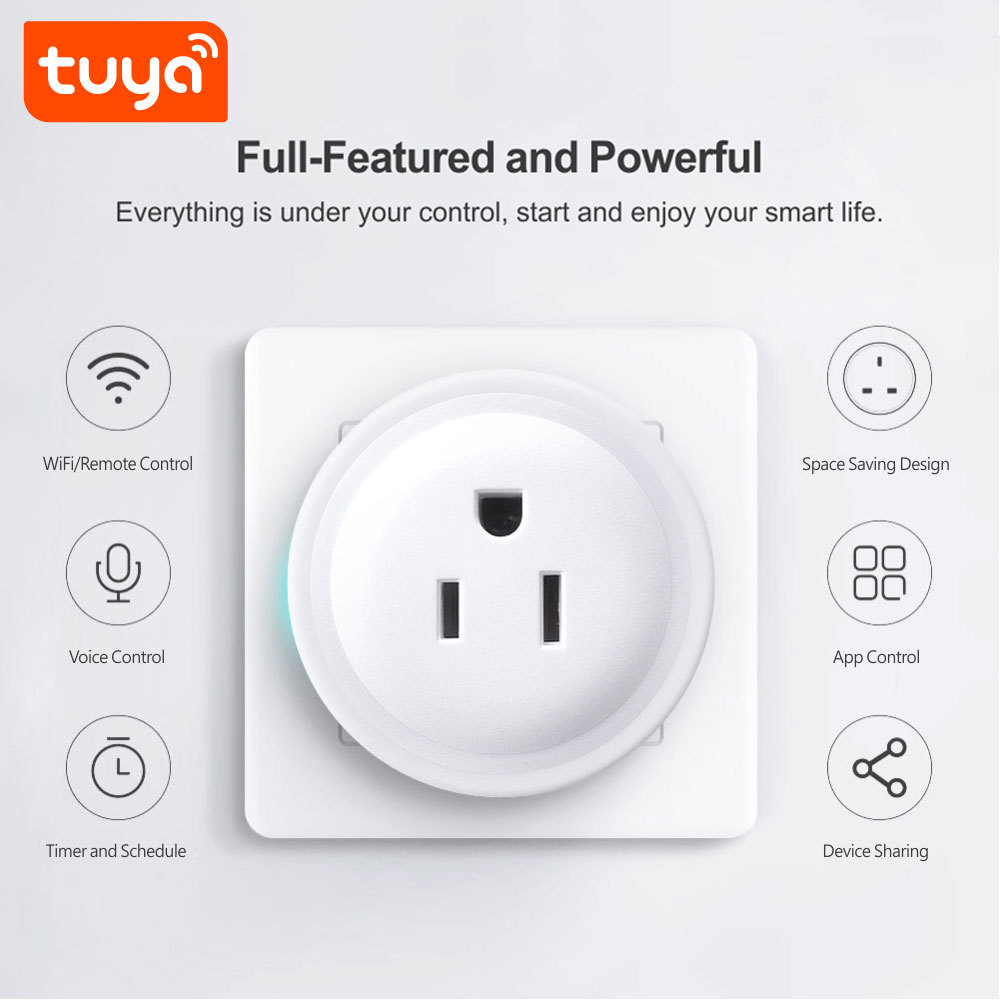
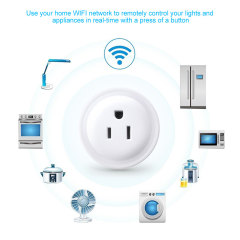
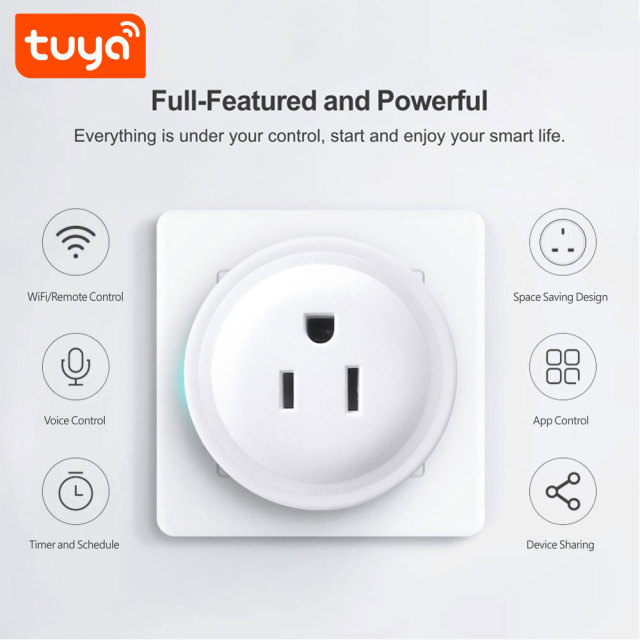
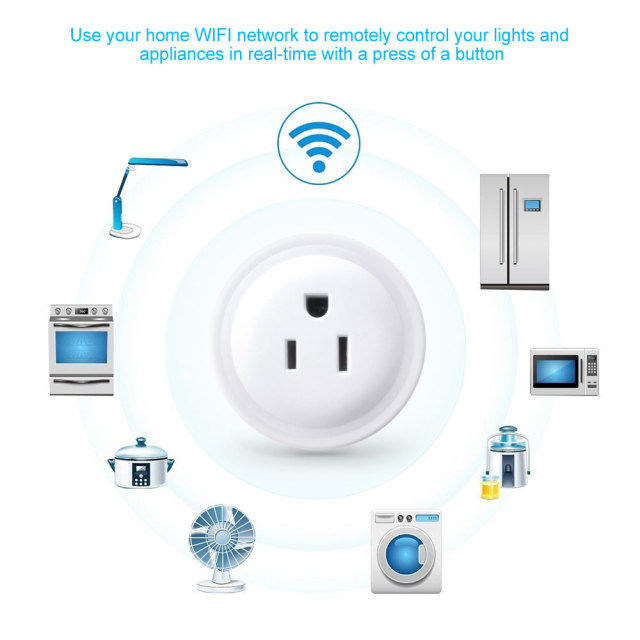
  • App control from anywhere. Open Tuya Smart or Smart Life to switch the load, check whether it is on and see its state in real time — from the next room or from another country.
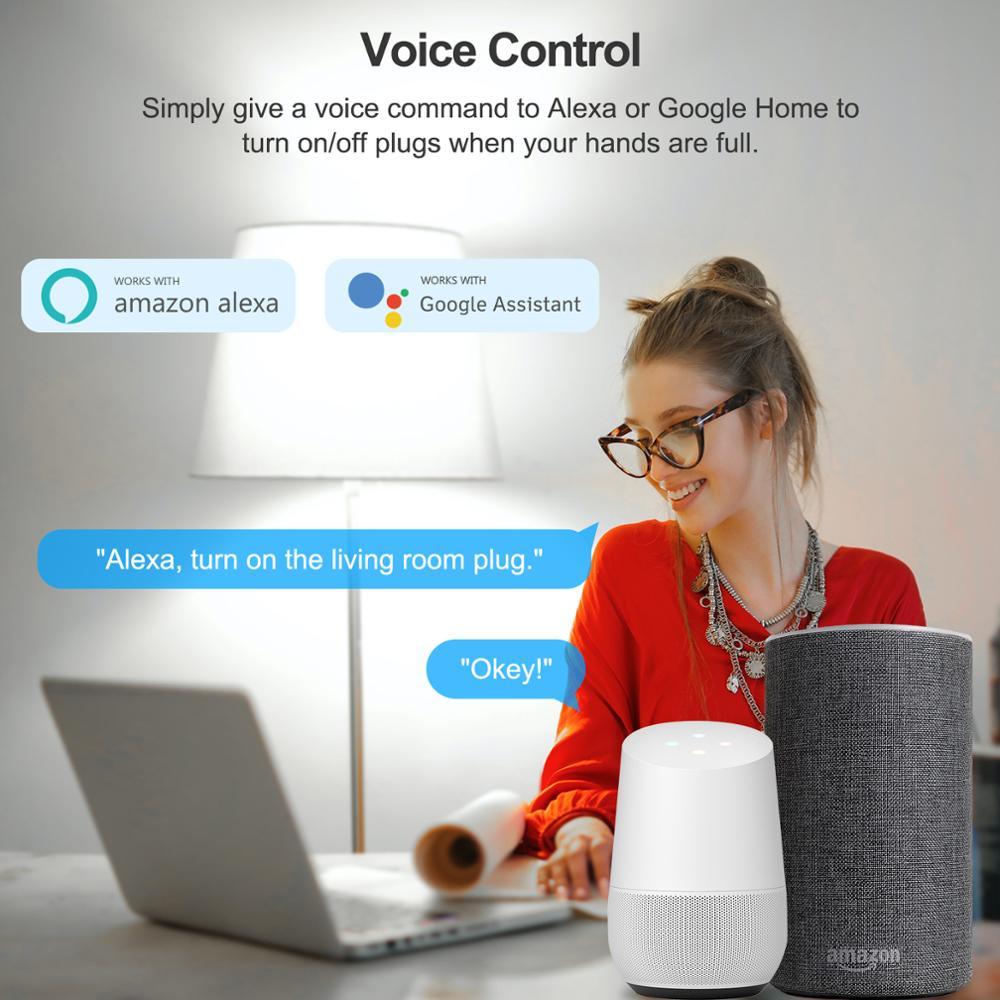
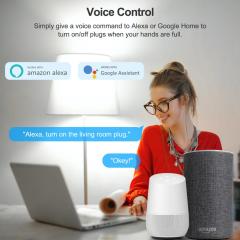
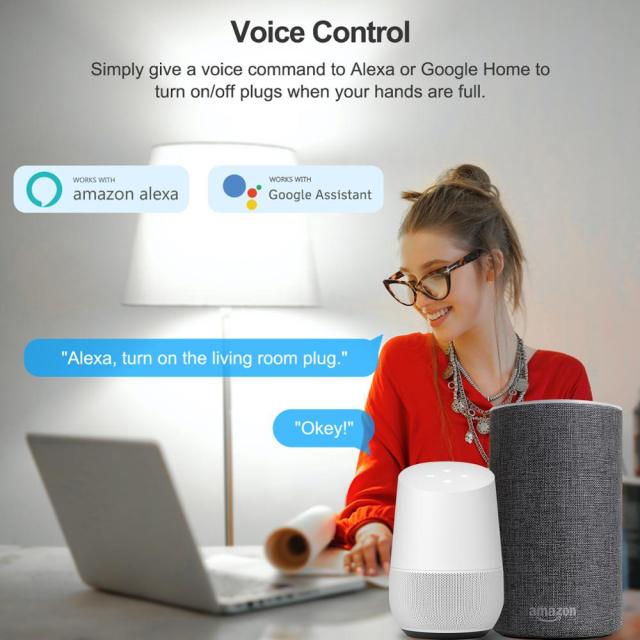
  • Voice control with Alexa and Google Assistant. Link the account once and the plug answers to commands such as “turn on the living room lamp”, which is the option that matters when your hands are full or the outlet sits behind furniture.
  • Schedules and countdown timers. Set fixed on and off times for each day, or start a countdown so a fan, charger or heater shuts itself off without anyone going back to the room.
  • Device sharing. Invite other accounts so family members, office staff or a facility technician can run the same smart socket plug without sharing a password.
  • Status memory after a power cut. When supply returns, the wifi smart socket resumes the state it was in rather than resetting to off, so a lamp that was on comes back on.
  • Manual side button. The physical button switches the load with no phone, no WiFi and no app — useful during a router change and for guests who do not have the app installed.
  • Cord-free at the wall. Integrated prongs and a round body mean nothing hangs off the outlet and there is no cable to route behind a desk or a sofa.

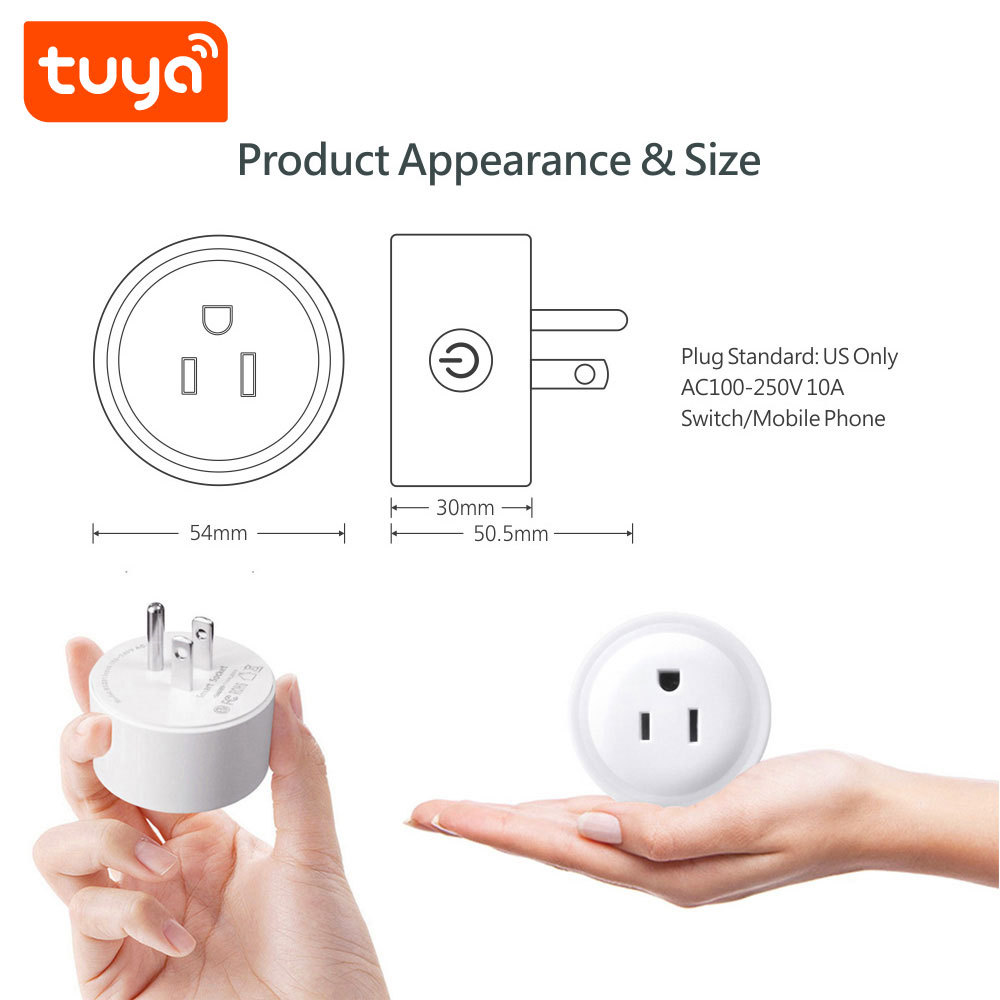
Appearance & Size

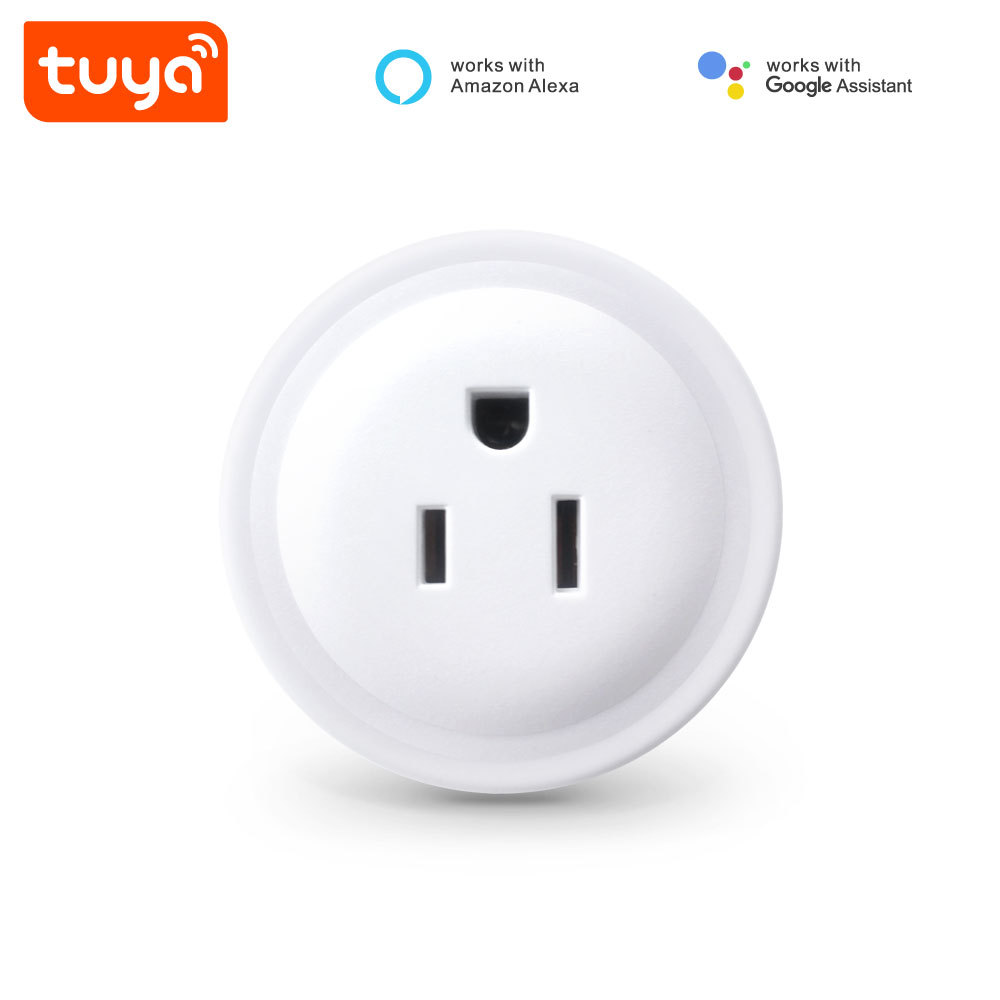
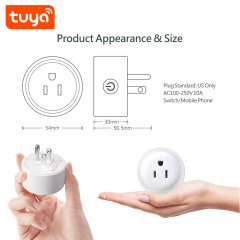
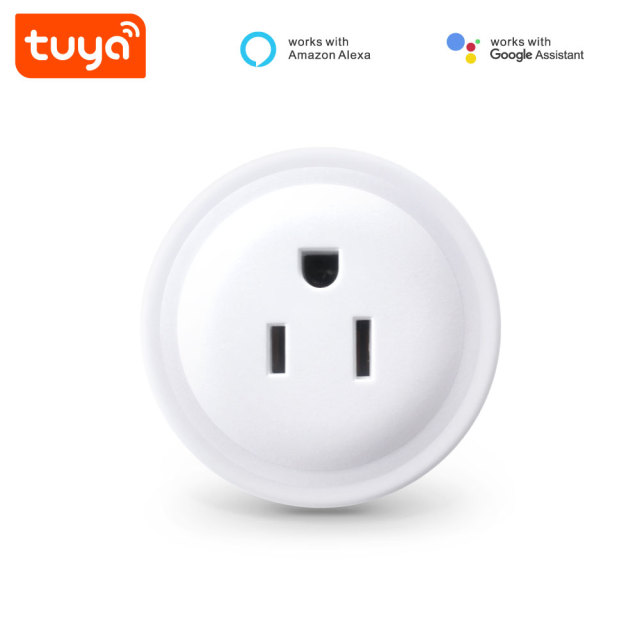
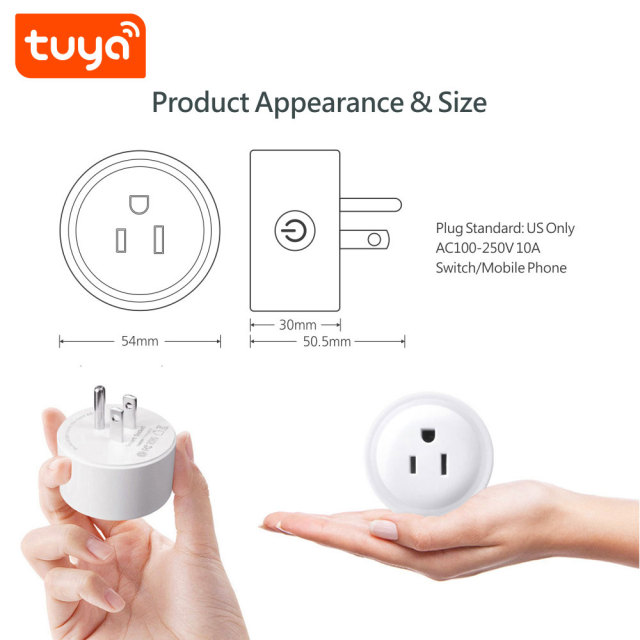
  • Round white face with a US three-prong socket. The face takes a standard US plug, and this smart socket is a compact disc rather than a tall block, so the profile stays low against a wall plate.
  • Matte white housing. Smooth ABS+PC in white wipes clean with a dry cloth and blends with the white plates used in most homes, rentals and offices.
  • Blue indicator light. A small blue LED on the face shows power and connection status at a glance — useful when the plug sits behind a sofa or under a desk.
  • Side push button. The manual switch sits on the edge of the body within thumb reach, and pressing it does not push the plug out of the outlet.
  • Integrated wall prongs. The prongs are part of the housing: no cord, no adapter, nothing hanging off the wall, and the wifi smart socket sits flush with the face free for the appliance plug.

Rated Current Options

  • 10A — the standard line. Right for lamps, fans, chargers, desk equipment, coffee makers and other everyday appliances; this is the version most distributors carry as the house part of a wholesale smart socket plug range.
  • 16A — for heavier appliances. Same body, same app, same voice control, specified for equipment that draws near the top of the range: utility and kitchen appliances, workshop tools, small heaters.
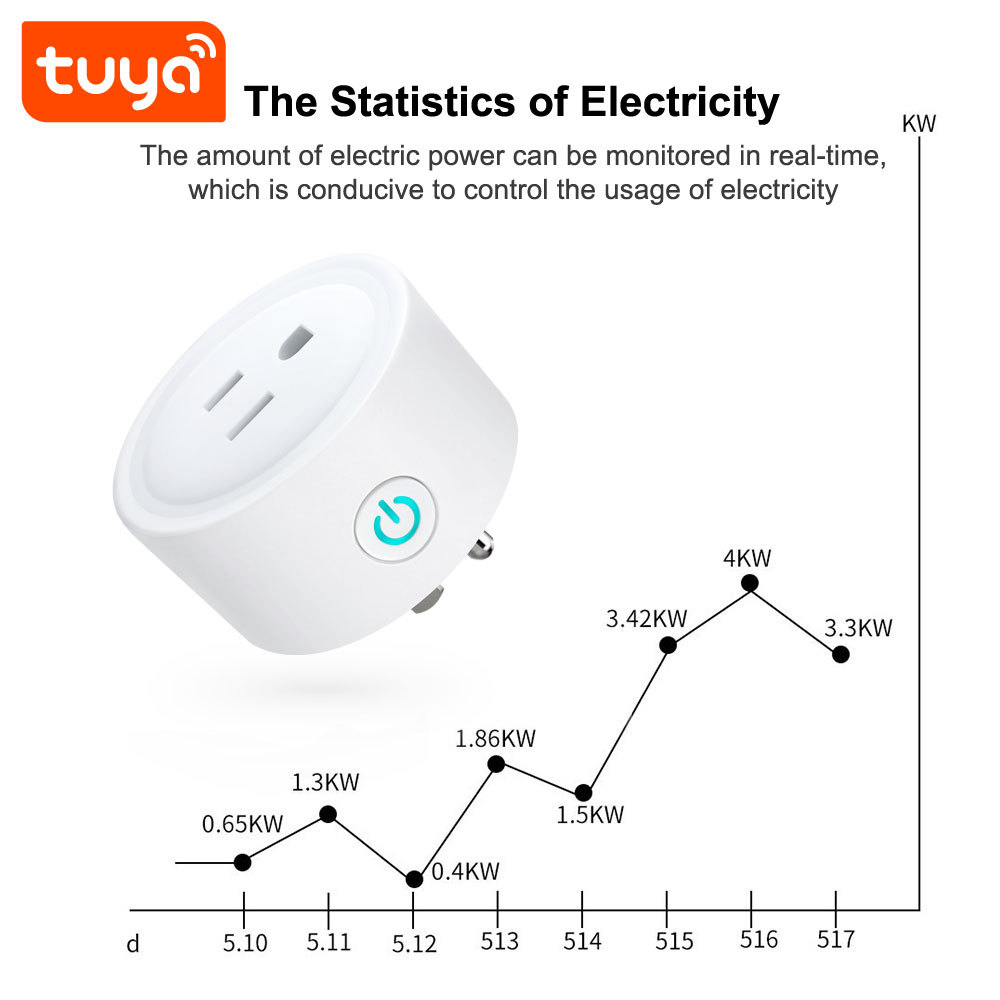
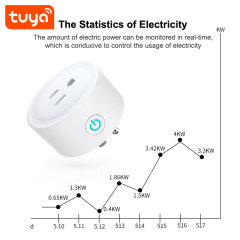
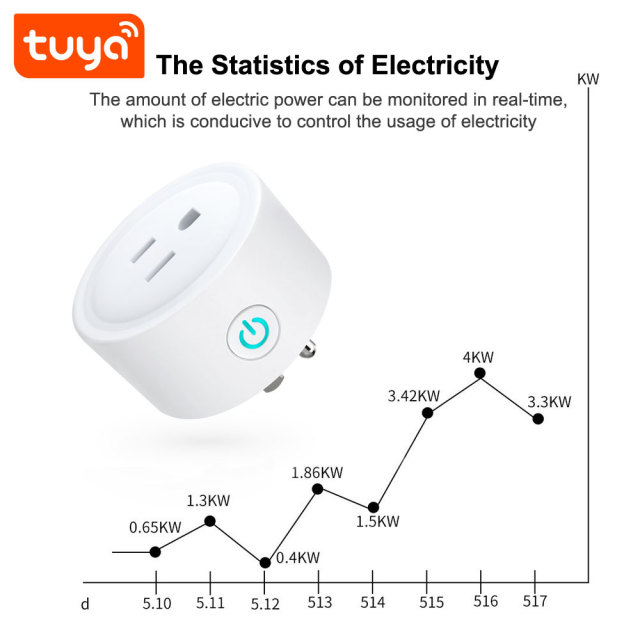
  • 16A with metering — for buyers who sell visibility. Adds live electricity statistics in the app, so consumption can be read per plug instead of estimated from a bill; it suits offices, landlords and anyone packaging energy insight with the installation.
  • How the choice is made. Add up the current of what will actually be plugged in and order the version that covers it with headroom. An undersized unit comes back as a return; an oversized one sits on the shelf at a higher price.
  • Identical fit across all three. Housing, prong layout and pairing flow stay the same throughout, so as a smart socket manufacturer we can supply a mixed carton without a second set of instructions or a second training session for installers.

Applications

Offices and meeting rooms. Lamps, monitor banks, desk fans, chargers and conference equipment can be put on schedules so nothing is left running overnight, and a facility technician can switch a whole floor from one app instead of walking the corridor.

Homes, rentals and serviced apartments. Table lamps, fans, coffee makers and kitchen appliances become switchable from a phone. The routine is the useful part: lights that come on before a tenant arrives, a coffee machine that is warm at seven, a fan that stops an hour after bedtime.

Retrofit and upgrade work. Because the smart socket plug uses the outlet that is already there, app and voice control can be added to a building without opening a wall or touching the wiring, which keeps a retrofit quote small and the work non-invasive.

Small commercial premises, signage and display lighting. Window lighting, signage and display spots can follow opening hours automatically, and a wholesale smart socket plug order can cover several sites with the same part and the same account structure.

Multi-site rollouts. Chains and property managers standardise on one model so staff learn a single app and a single pairing routine, and it pays to buy from a smart socket plug manufacturer who will still be making the same part next season.

Specifications

ParameterSpecification
NameTuya Smart WiFi US Standard Smart Plug
ModelPST-BSD01
Plug standardUS Standard
MaterialABS+PC
Input voltageAC 100V-240V, 50/60Hz
Output voltageAC 100V-240V 10A
Switch modeSwitch/Mobile phone
AppTuya Smart or Smart Life
Rated currentDefault 10A, 16A optional
WiFi standardsIEEE 802.11 b/n/g 2.4G Hz
Voice controlWorks with Amazon Alexa and Google Assistant
Operating temperature–10 °C to +60 °C
Humidity5%--95% non-condensing
DimensionsBox 5.8 × 5.8 × 5.5 cm
Weight0.06kg

Setup & App Pairing

  1. Plug the unit into a US wall outlet and watch for the indicator light; the load can already be switched with the side button before any setup.
  2. Install Tuya Smart or Smart Life from the App Store or Google Play and register with an email address.
  3. Put the phone on the 2.4 GHz WiFi network the wifi smart socket will use — the plug does not join 5 GHz networks.
  4. Tap add device in the app and let it scan; when the wifi smart plug appears in the list, enter the WiFi password and confirm.
  5. Name each smart socket plug after the appliance rather than the room (“desk lamp”, “coffee machine”), assign it to a room, then repeat for the rest of the batch.
  6. Open the voice assistant section, link the Alexa or Google Assistant skill to the same account and run a device discovery so the names carry across.
  7. Test one schedule and one countdown before handover, and leave the printed manual with the end user.
  8. Site situation | What you will see | What to do --- | --- | --- Pairing stalls at the password step | The wifi smart plug never appears in the app, or the add-device routine times out | The radio is 2.4 GHz only (IEEE 802.11 b/n/g). A router publishing one combined network name, or a 5 GHz-only SSID, blocks the handshake. Split the bands or select the 2.4 GHz network, then pair again. Unit drops offline after a few days | The app shows offline while the side button still switches the load | Metal back boxes, closed cabinets, concrete walls and stacked appliances cut the signal. Test the exact outlet before the batch goes in, and keep the plug and the router on the same floor where the layout allows. Appliance cuts out under load | The plug trips and the appliance loses power | That is the over-current protection working, not a failed unit. Unplug, let the body cool, then reconnect with less on the circuit. Motors and compressors pull well above their nameplate at start-up, so move those to the 16A version or give them an outlet of their own. Shell feels warm to the touch | Noticeable heat around the plug after hours of running | Every adapter or strip in the chain adds a connection point, and an ABS+PC housing wrapped in other plastics cannot shed heat. Plug the smart socket straight into the wall; where a strip is unavoidable, use a switched one and keep the total load well below the rating. Outlet sits near water or steam | Splashes, condensation or a damp floor | The plug carries no waterproof rating and belongs indoors, in dry positions within 5%–95% non-condensing humidity and –10 °C to +60 °C. Bathrooms, showers and outdoor outlets need a device designed for them. Power cut or router reboot | The plug returns to its previous state and the schedules resume | Nothing needs re-pairing. Schedules live in the Tuya Smart or Smart Life account and pick up again on reconnect; after a long outage, open the list once to confirm the times are still as set. A user reports a fault | You need a fast answer from us | Name each device after the appliance at handover, share the account rather than the password, and leave the printed manual with the unit. Quote model PST-BSD01 and the app account when you raise it, and we will trace it from there.

Ordering & Delivery

  • In the box. One US standard smart plug and one printed user manual; no extra hardware is needed to put the unit into service.
  • Carton packing. 200 pcs per carton, 13 kg, 37 × 37 × 37 cm.
  • Packing differs by model. A mixed container carries different carton data per item — the 2P Tuya smart MCB switch in the same range ships 36 pcs per carton at 13.7 kg, 47 × 37 × 33 cm — so confirm the packing list item by item before the booking is made.
  • Private label and OEM. Product ID printing from 1,000 pcs; custom box and manual from 1,000 pcs, with a USD 0.15 per piece surcharge on a 500 pcs box and manual run; laser logo from 100 pcs. Working as a smart socket plug manufacturer, we can combine printing, box and logo work in one production run.
  • Version mix in one order. Tell your sales contact which of the 10A, 16A and 16A metering units you want in the container, so cartons, labels and the packing list are planned together.
  • Lead time, payment terms and shipping are quoted per order. Confirm them with your sales contact along with the port of discharge and the documents your market requires.
  • Samples. Ask your sales contact about sample availability and terms before a first container order.
  • Wholesale programs. For a wholesale smart socket plug program that spans plugs, sockets and switches, the lines can be quoted together so cartons, documents and the app ecosystem match across the range.
  • Repeat orders. Cartons, labels and documents follow the same format from one shipment to the next, so a reorder from a smart socket manufacturer arrives the way the first one did.

Testing & Compliance

Compliance paperwork matters as much as the hardware itself. The Tuya-based smart home and smart electrical products we supply carry FCC, CE, UL and RoHS certification, and every order passes 100% quality control before dispatch. Tell us which directive, standard or market your buyers check against, and we will confirm the applicable certificates and third-party test reports for the models you plan to stock — issued per project, never as blanket claims. When a range is updated, we help distributors keep their files current, and we stay with you through replacement and after-sales.


FAQ

How do I check that an appliance is within the plug's rating?

Multiply the outlet voltage by the rated current. On a 120V US supply the 10A version covers appliances up to roughly 1,200W and the 16A version up to roughly 1,900W. Leave headroom where you can — a motor that pulls 900W at start-up is harder on a smart plug than a 900W lamp — and if the nameplate only gives watts, do that one calculation before you specify the version.

Can it be installed outdoors or in a bathroom?

No. This is an indoor plug: it is not waterproof and should be kept away from direct rain, splashes and steam. Kitchens, garages and utility rooms are fine as long as the outlet itself is dry and protected; for switching outdoors, use a device designed for it.

Can I plug it into an extension lead or another adapter?

Plug it directly into a wall outlet where you can. Stacking a plug into an adapter or a chain of strips makes the connection run warmer and hides the unit where the button and indicator are hard to reach. If a strip is unavoidable, use one with its own switch and keep the total load well under the rating.

How should I clean and look after it?

Unplug the smart plug from the outlet before cleaning. Wipe the body with a dry or barely damp cloth; never use solvents, and never let water into the socket face or the gap around the button. In kitchens and workshops, check the prongs and face for dust and grease every few months, where build-up happens fastest.

Will it crowd a second outlet or a tight wall plate?

The body is a compact round disc rather than a tall block, so on a standard US duplex plate the neighbouring position usually stays usable. Wall plates vary — some decorative and weatherproof plates sit deeper than the plug — so test one unit in the exact plate you use before committing to a full order.

Why does the app show the plug as offline?

Work through it in order: confirm the outlet has power, confirm the phone is on the same 2.4 GHz network, then restart the router. If it is still offline, hold the power button on the body for a few seconds to reset the unit and add it again in the app. A plug carried out of WiFi range will also drop offline until it is back in range.

Do my schedules keep running if the internet drops?

Schedules are set and stored through the Tuya Smart or Smart Life account, so they resume as soon as the unit reconnects to the network, and the manual button keeps working throughout. After a long outage, open the schedule list once to check the times are still as you set them.

Can I sell this plug into 220–240V markets?

The electronics accept AC 100–240V at 50/60Hz, so supply voltage is not the obstacle. The socket face is US standard and takes US plugs only; for a 220–240V market, order the model with that region's plug format and keep the same app and voice setup across the range.