• Tuya Smart WiFi Socket with 2 USB Ports - Worldwide Plug Standards, App/Voice Control, Alexa/Google Home Compatible
  • Tuya Smart WiFi Socket with 2 USB Ports - Worldwide Plug Standards, App/Voice Control, Alexa/Google Home Compatible
  • Tuya Smart WiFi Socket with 2 USB Ports - Worldwide Plug Standards, App/Voice Control, Alexa/Google Home Compatible
  • Tuya Smart WiFi Socket with 2 USB Ports - Worldwide Plug Standards, App/Voice Control, Alexa/Google Home Compatible
  • Tuya Smart WiFi Socket with 2 USB Ports - Worldwide Plug Standards, App/Voice Control, Alexa/Google Home Compatible
  • Tuya Smart WiFi Socket with 2 USB Ports - Worldwide Plug Standards, App/Voice Control, Alexa/Google Home Compatible
  • Tuya Smart WiFi Socket with 2 USB Ports - Worldwide Plug Standards, App/Voice Control, Alexa/Google Home Compatible
  • Tuya Smart WiFi Socket with 2 USB Ports - Worldwide Plug Standards, App/Voice Control, Alexa/Google Home Compatible
  • Tuya Smart WiFi Socket with 2 USB Ports - Worldwide Plug Standards, App/Voice Control, Alexa/Google Home Compatible
  • Tuya Smart WiFi Socket with 2 USB Ports - Worldwide Plug Standards, App/Voice Control, Alexa/Google Home Compatible

Tuya Smart WiFi Socket with 2 USB Ports - Worldwide Plug Standards, App/Voice Control, Alexa/Google Home Compatible

No.PST-LSPA2
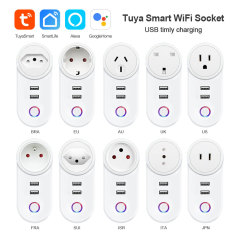
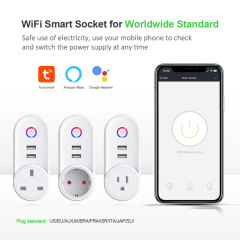
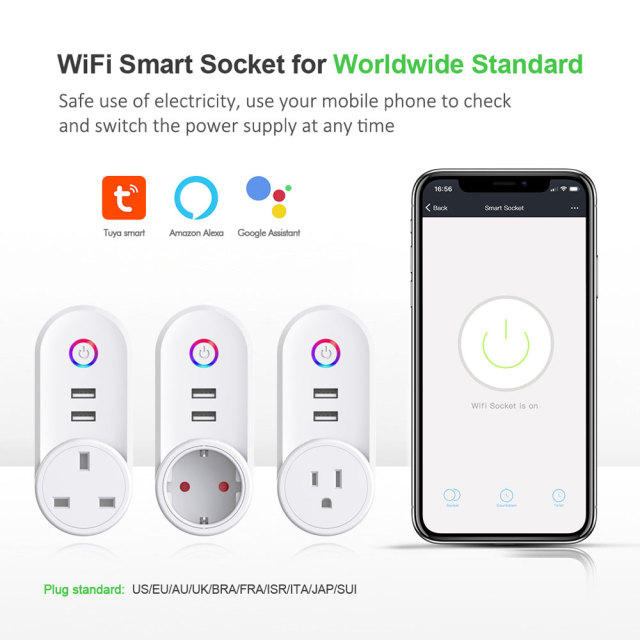
16A WiFi socket with two USB ports, switched outlet and energy metering. Available for wholesale supply in multiple plug standards.
Plug standard:
US
EU
AU
UK
BRA
FRA
ISR
ITA
JAP
SUI
10A/16A:
10A
16A
  • Tuya Smart WiFi Socket with 2 USB Ports - Worldwide Plug Standards, App/Voice Control, Alexa/Google Home Compatible
  • Tuya Smart WiFi Socket with 2 USB Ports - Worldwide Plug Standards, App/Voice Control, Alexa/Google Home Compatible
  • Tuya Smart WiFi Socket with 2 USB Ports - Worldwide Plug Standards, App/Voice Control, Alexa/Google Home Compatible
  • Tuya Smart WiFi Socket with 2 USB Ports - Worldwide Plug Standards, App/Voice Control, Alexa/Google Home Compatible
  • Tuya Smart WiFi Socket with 2 USB Ports - Worldwide Plug Standards, App/Voice Control, Alexa/Google Home Compatible
  • Description

  • Detailed Images

Product Overview

The PST-LSPA2 is a WiFi smart plug that carries one switched AC outlet and two USB charging ports on a single plug-in body, operated from the Tuya Smart or Smart Life app. Plug a lamp, a water heater or a small appliance into the outlet and the socket reports what that device draws; the two USB ports keep phones, tablets and sensors charged without giving up the wall outlet.

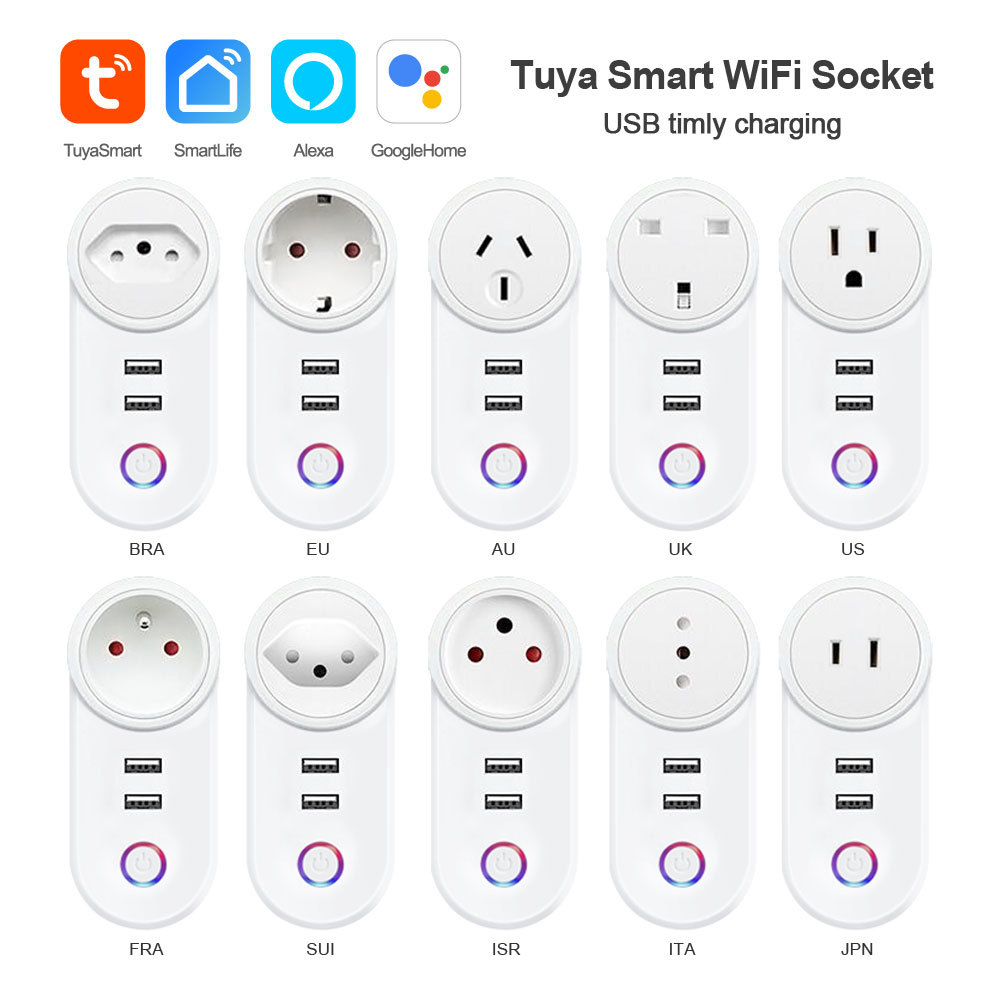
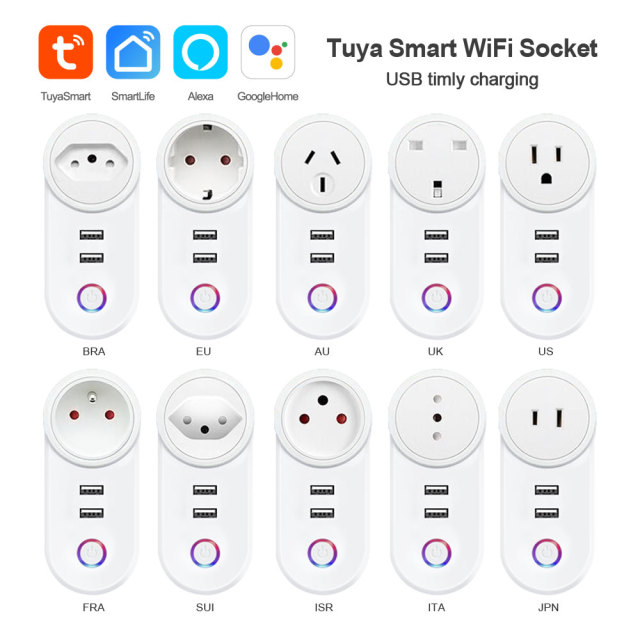
It is built for supply rather than for a single room. The same electronics sit inside ten plug standards — US, EU, AU, UK, BRA, FRA, ISR, ITA, JAP and SUI — so a distributor can cover several markets with one part number and an OEM buyer can put a single brand on sockets sold in different regions. As a smart socket plug manufacturer we keep the switching, metering and WiFi module identical across those shells, which is what makes a mixed-standard order practical instead of a set of ten unrelated products.

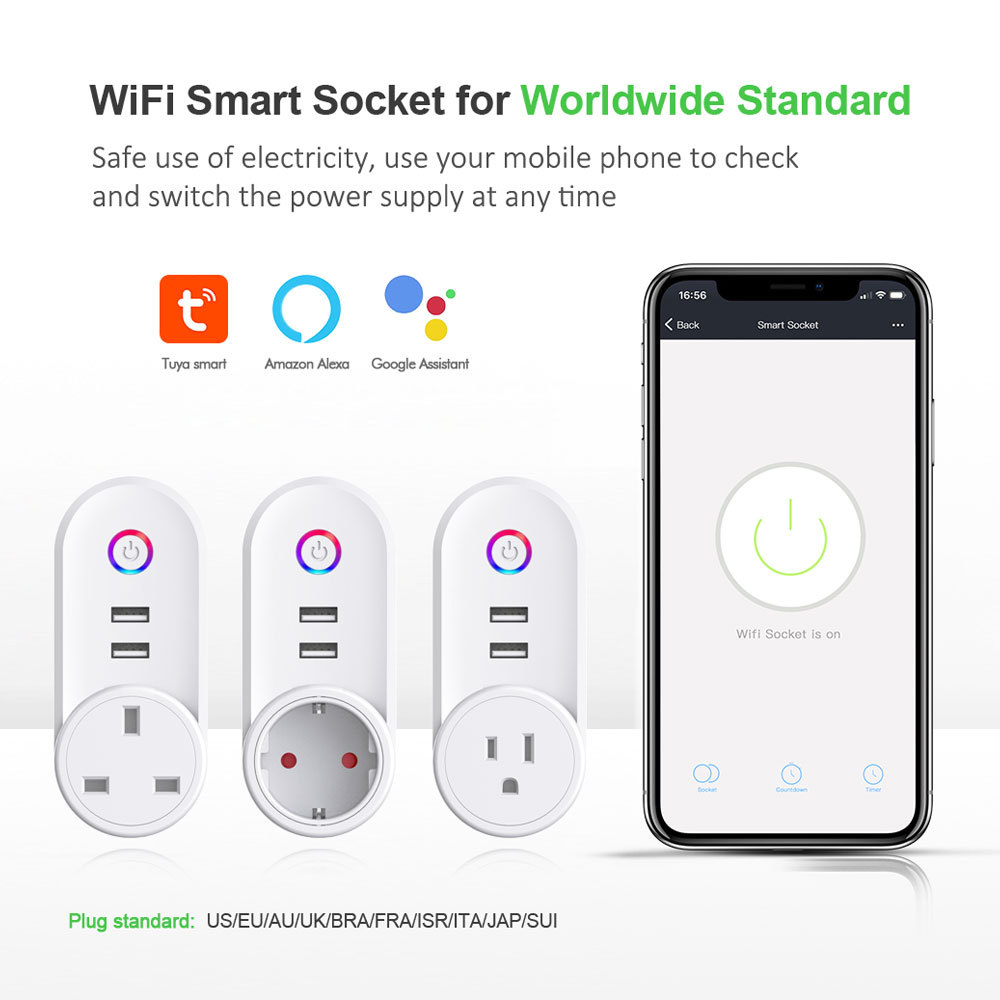
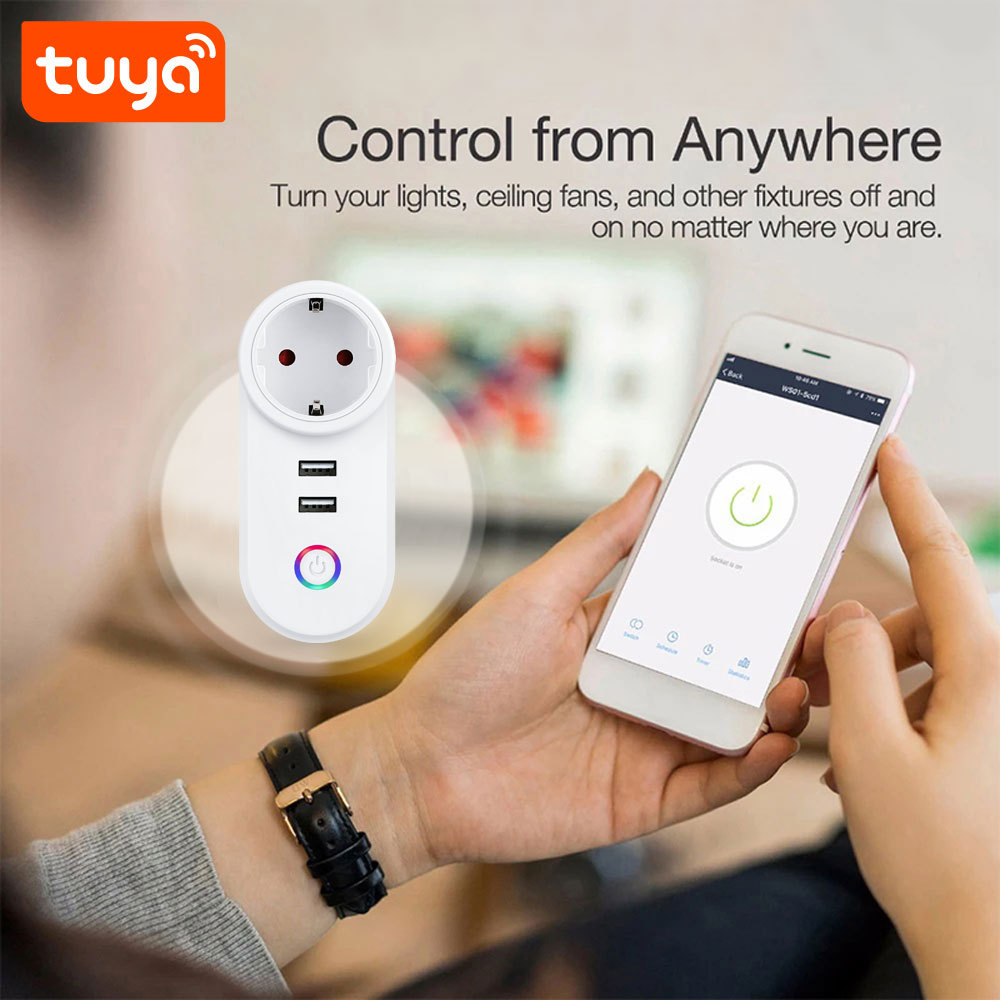
Nothing else is needed in the wall. The socket connects over WiFi with no gateway or hub, and commissioning is done from a phone in a couple of minutes. Day to day the button on the front handles local switching, and on this Tuya smart socket the app takes over when someone wants a schedule, a consumption history or a check on an appliance in an empty apartment. The housing is white PC+ABS with the outlet and the two USB ports on the front face, so it reads as an ordinary socket until someone opens the app.

Plug Standards

Plug standardUS/EU/AU/UK/BRA/FRA/ISR/ITA/JAP/SUI
USUnited States and Canada, and other markets wired to the same flat-pin outlet
EUMost of continental Europe, including Germany, the Netherlands, Spain, Portugal, Belgium, Austria and the Nordic countries; France, Italy and Switzerland take their own shells and are listed separately below
UKUnited Kingdom and Ireland, with the same three-pin pattern also used across the Gulf and in parts of Asia
AUAustralia and New Zealand, plus Pacific markets that fit the angled three-pin outlet
BRABrazil, where the round-pin outlet is standard in homes, hotels and offices
FRAFrance, where the recessed three-pin outlet is the household pattern
SUISwitzerland, which sits on its own three-pin pattern and has a dedicated shell in this range
ISRIsrael, including buildings fitted with the three-pin Israeli outlet
ITAItaly, where the in-line three-pin outlet still sits alongside the round two-pin pattern in many buildings
JAPJapan, and other Asian outlets built to the Japanese pattern

Applications

  • Guest rooms and serviced apartments — the bedside lamp goes on the switched outlet and the phone into the USB ports of the same USB smart plug, and housekeeping can switch the room without a key or a call to reception. Sharing keeps the room available to the front desk and to the guest at the same time.
  • Holiday lets and second homes — heating and hot water run on a schedule before arrival instead of staying on between guests, and the energy metering socket shows what a stay actually used. A remote check answers the question about an appliance left running after checkout.
  • Small shops and offices — window lighting, signage or a router on a timer, all on an Alexa Google smart socket that can be switched on from the doorway before the day starts and checked from home at closing time.
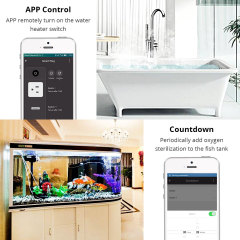
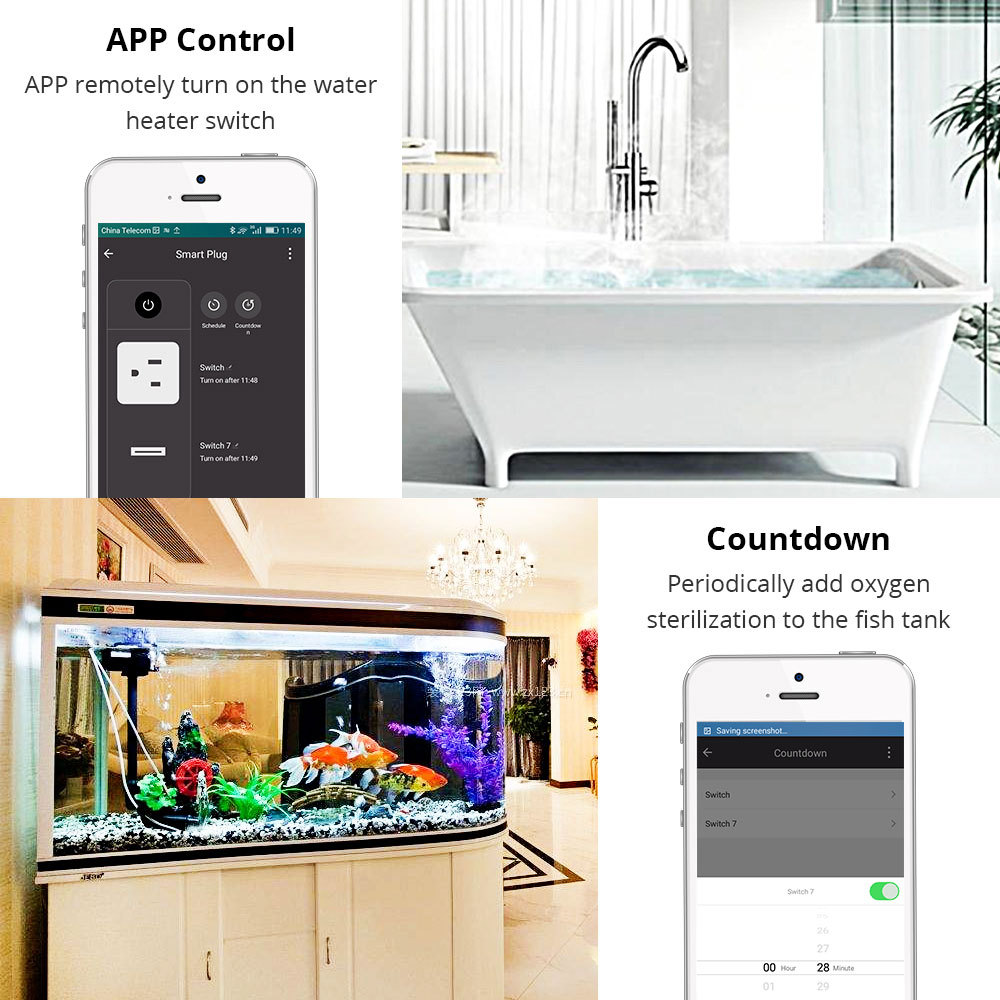
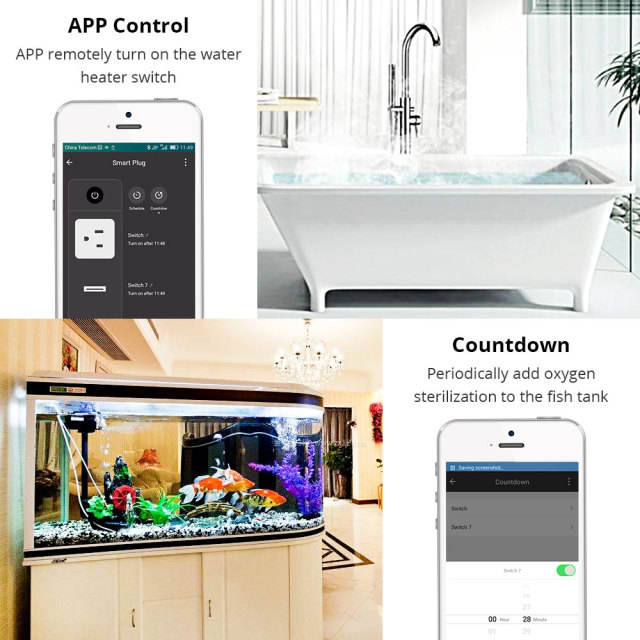
  • Water heaters and boilers — the routine the product is usually bought for: a 16A smart socket heats water in the hours that matter rather than around the clock, and cuts the standing consumption that nobody sees on a bill.
  • Aquariums and pet equipment — aeration and lighting on repeating cycles, with a countdown for maintenance sessions. The timer keeps the cycle steady through weekends and holidays when nobody is on site.
  • Pilot stock and demo walls — most wholesale smart socket plug programmes start with a single unit per plug standard on a showroom wall. The first socket that a client plugs in is also where a smart socket plug manufacturer is judged, long before carton price enters the conversation.

Specifications

- A switched outlet and two USB ports on one plug — this USB smart plug does two jobs: an appliance that can be switched remotely, plus charging for phones, tablets and sensors. It is the practical answer for a guest room or a desk where there is only one outlet and both a lamp and a charger are needed. - 10A and 16A builds from one design — lamps, fans, routers and televisions sit comfortably on the 10A version, while a 16A smart socket is what heaters, kettles and heavier appliances need. Because both come from the same electronics, a distributor can quote either without learning a second product. - No gateway in the bill of materials — the socket joins the network on its own, so a retrofit does not need a hub on every floor or a gateway in every apartment. That single point often decides whether a small pilot becomes a full-floor order. - A front button that works before the WiFi does — an installer can test the outlet the moment it is plugged in, and a tenant can still switch the lamp when the network is down. Smart functions sit on top of a switch that behaves like a normal switch. - PC+ABS housing for sockets that get re-plugged — guest rooms, rentals and shared offices put far more insertion cycles on a socket than a home does. The shell is specified to take that handling rather than a thin commodity plastic, which is the sort of detail a smart plug manufacturer has to get right if the body is to look the same at the end of a season. - Metering without a second device — on this Tuya smart socket, consumption is read in the same app that switches the outlet, so there is no separate energy meter to buy, wire or explain to a client. That keeps the installation to one part and the reporting to one screen.

NameTuya Smart WiFi Smart Socket Plug with 2 USB Port for Worldwide Standard
ModelPST-LSPA2
Shell materialPC+ABS
Input voltageAC100-240V
Output voltageAC100-240V 10A / 16A
Rated current10A / 16A
USB port output2x USB Port 5V 2.1A
Metering functionYes, tracks energy consumption of connected devices
Suitable appliances97% of home appliances/lights (via circuit integration)
Switch modeSwitch/Mobile phone
WiFi standardsIEEE 802.11 b/n/g 2.4G Hz
Dimensions13 × 5.6 × 7.5 cm
Weight0.16kg
Operating temperature / humidity–10 °C to +60 °C / 5%–95% non-condensing

Control Modes

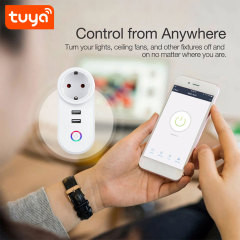
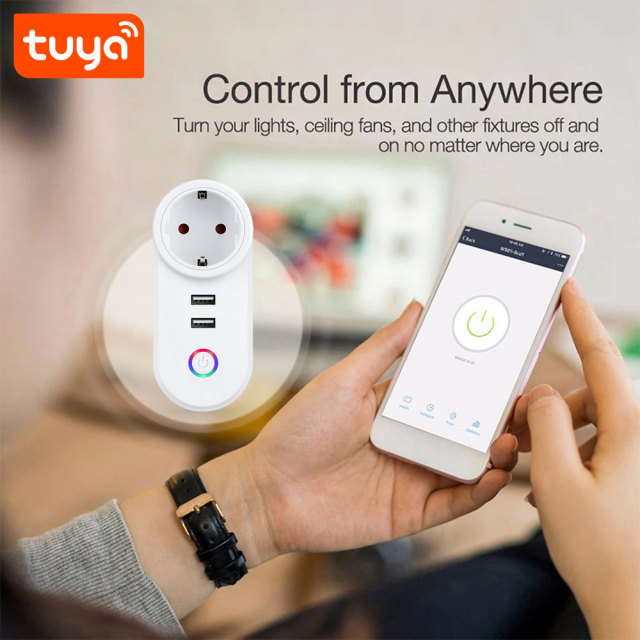
Control is deliberately layered, because a smart socket manufacturer has to make the same unit work for an installer on commissioning day and for a tenant a year later. Once the unit is on the network, switching, timers, metering and sharing all sit on one device screen in the Tuya Smart or Smart Life app, with no second app for the USB side and no separate dashboard to explain.

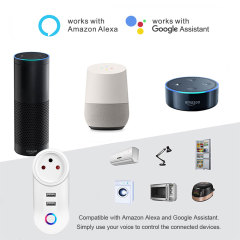
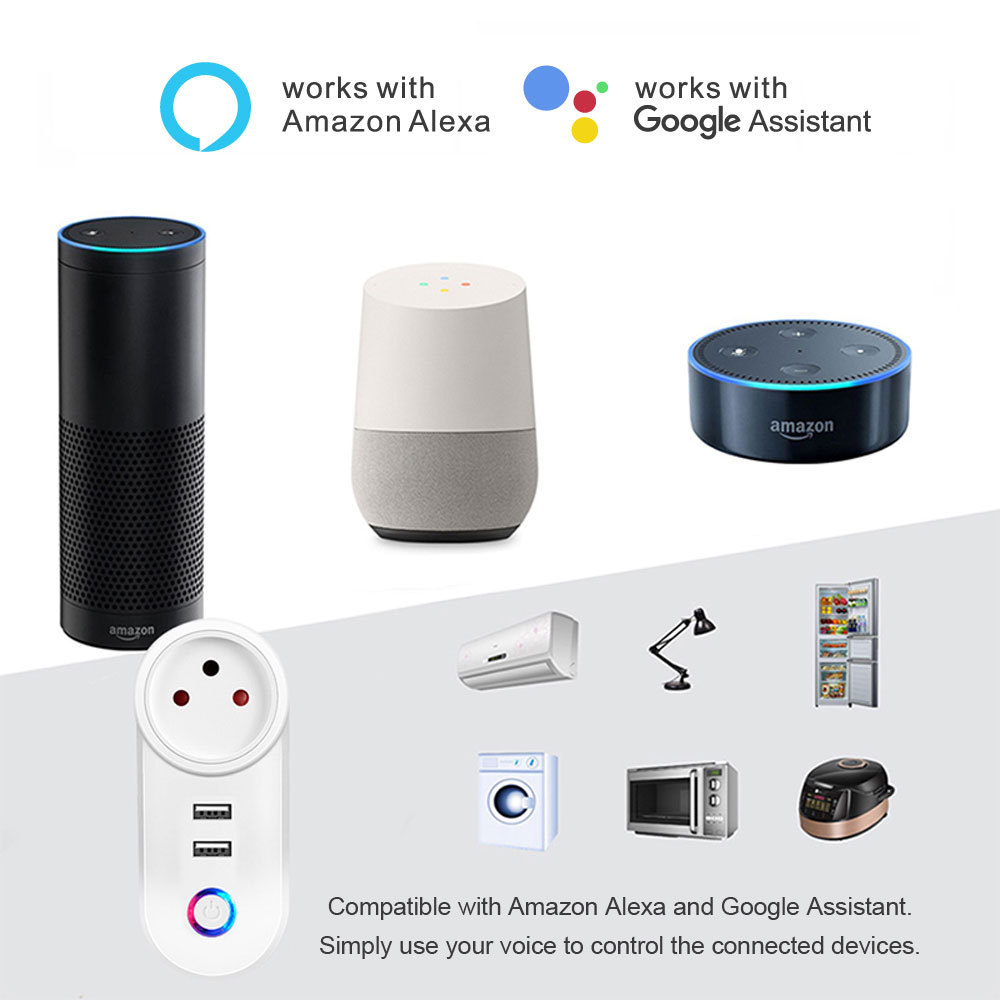
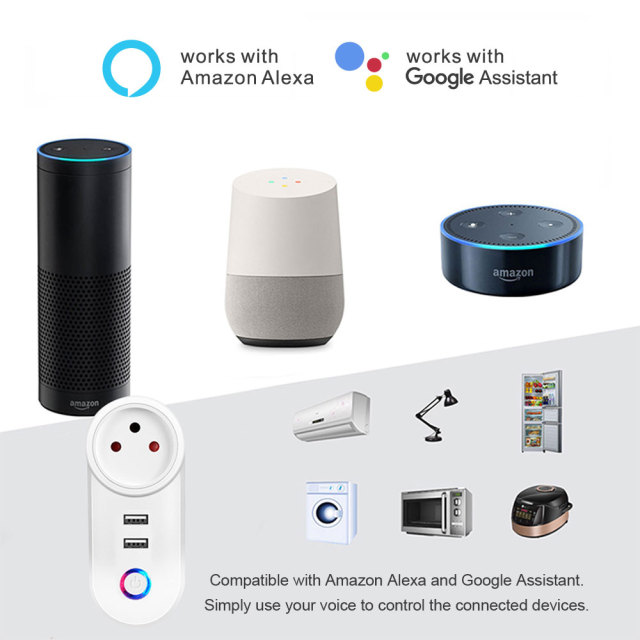
Voice is the second route. With the Tuya skill enabled in the Alexa or Google Assistant app, this Alexa Google smart socket answers a spoken command and switches the outlet by the name it was given — useful where the socket sits behind a cabinet or under a desk and reaching the button is the awkward part. Voice is a convenience layer rather than a requirement; nothing breaks on a site that never sets it up.

The third route is people. A socket can be shared with a family, a housekeeping team or a site manager, and several units sit in one account alongside other Tuya devices, so a small property is managed from one device list instead of one app per room. Everyone who has been given access sees the same state, which ends the handover question about whether the water heater was switched off — the difference between a wifi smart plug that gets used and one that gets unplugged.

Timers & Metering

  • Schedules on the outlet — a routine most sites set first on a smart plug: hot water between 05:30 and 07:00, corridor lighting from dusk, a signage display through opening hours. The schedule repeats without anyone remembering it, and it can be edited from a phone when opening times change.
  • Countdown for one-off jobs — switch off after a set interval instead of at a fixed time. Aquarium aeration for forty minutes, a fan for two hours before bedtime, a heater that should not run all night; the countdown ends the load without a return visit.
  • Scenes with other Tuya devices — the outlet can start or stop as part of a wider scene, triggered by temperature, by location or by time. A room that heats before arrival and a pump that runs when a sensor reads low both come down to the same rule engine.
  • Consumption reports — as an energy metering socket it records what the connected device draws and shows the history in the app. That turns into a comparison between an old fridge and a replacement, evidence for a tenant handover, or a quick way to find the appliance left running in an empty unit.
  • Charging windows for the USB ports — the charging side can follow its own window, so tablets and handhelds top up between set hours instead of drawing continuously. Useful where a fleet of devices is docked overnight in a reception or a workshop.
  • Repeatable routines across sockets — because several wifi smart plug units sit in one account, the same pattern can be rebuilt room by room without rethinking it. A floor of identical apartments ends up with identical behaviour, which is what makes later troubleshooting quick.

App Setup

  1. Install Tuya Smart or Smart Life on the phone that will own the socket and register the account the site will keep using.
  2. Plug the socket into the wall outlet and check that the front button responds.
  3. Press and hold the pairing button until the indicator flashes, then release it.
  4. In the app tap Add Device, choose the socket from the list and enter the WiFi name and password — the network has to be 2.4 GHz, and a 5 GHz network will not complete pairing.
  5. Name the socket after the room or the appliance it serves and assign it to the right home, so shared users see a list they recognise.
  6. For voice control, open the Alexa or Google Assistant app, enable the Tuya skill, link the same account and let it find the device.
  7. Test all three paths — front button, app toggle and one voice command — and re-check the 2.4 GHz credentials before resetting anything if one of them fails.

Use & Care

Matching the socket to the appliance

The outlet is rated 10A or 16A depending on the build you order, so the appliance nameplate is the first thing to read before a socket is committed. Heaters, kettles, irons and similar loads belong on the 16A version; lamps, fans, routers and televisions are comfortable on 10A. A plug that feels warm with nothing running is worth investigating before the socket is left unattended, and heavy appliances should sit directly in a wall outlet rather than on a loaded extension lead.

Placement, cleaning and re-pairing

This is an indoor smart socket, so it belongs in dry rooms away from sinks, showers and steam, with some air around the body rather than buried behind furniture. Unplug it before anyone wipes it down; a dry cloth is enough and solvents are not. If a unit moves to a new room or a new network, pairing takes a minute and the routine is rebuilt in the app. Spare units should be stored in their box in a dry place until a room needs them, and a quick monthly look at the device list catches a socket that has dropped off the network before a tenant reports it.

Ordering & OEM Supply

  • What ships with each unit — Smart Socket ×1 and User Manual ×1 in the box. Carton quantity, carton dimensions and gross weight are confirmed with your sales contact for the exact build, since they change with the plug standard and the packaging.
  • Specify the build on every order line — plug standard plus 10A or 16A, because mixed-standard shipments are routine for a wholesale smart socket plug buyer covering several markets from one warehouse.
  • OEM branding — we handle product-ID OEM, box and manual OEM and laser logo work as a smart plug manufacturer, with artwork, volumes and cost confirmed for the model you choose. Nothing is assumed from a previous order.
  • Samples before a pilot — ask your sales contact about sample availability and current lead time, and test one unit per plug standard on site rather than approving the range from a photograph.
  • Lead time, payment and freight — confirmed per order with your sales contact, because they follow the plug standard, the quantity and the branding rather than one published figure. The same variables any smart socket manufacturer has to quote against.
  • Spares and after-sales — agree a spare allowance and the returns contact before the carton ships, so a site is never waiting on a single unit. It is the practical part of working with one smart socket plug manufacturer across a multi-year programme, and the same contact handles technical questions after installation.

Testing & Compliance

Compliance paperwork matters as much as the hardware itself. The Tuya smart socket and the wider smart home and smart electrical products we supply carry FCC, CE, UL and RoHS certification, and every order passes 100% quality control before dispatch. Tell us which directive, standard or market your buyers check against, and we will confirm the applicable certificates and third-party test reports for the models you plan to stock — issued per project, never as blanket claims. When a range is updated, we help distributors keep their files current, and we stay with you through replacement and after-sales.


FAQ

Which appliances can I connect to the switched outlet?

Ordinary household and light-commercial loads fall inside the rating: lamps, fans, routers, televisions, water heaters and similar appliances. Read the nameplate before you commit a socket to a device, and put anything that draws close to the rating on the 16A version rather than the 10A.

How much charging current do the two USB ports deliver?

Both ports are rated 5V 2.1A, which covers phones, tablets, sensors and most small USB peripherals. They sit alongside the AC outlet rather than replacing it, so a lamp can stay switched and monitored while two devices charge.

Can I switch the socket without the app?

Yes. The button on the front changes the outlet state with or without a network, and the smart socket behaves like a normal switch until someone opens the app. App, voice and schedule control are layers on top of that, so a tenant whose internet is down still has a working socket.

What happens to my schedules if the power goes out?

The smart plug keeps its settings. When the supply returns it comes back with the schedule intact and resumes smart control without being set up again. What it cannot do is run through an outage — nothing on the outlet is powered while the electricity is off.

Can I schedule the USB charging separately from the outlet?

Charging windows are set in the app, so a tablet or a handheld can be topped up between chosen hours instead of drawing all night. In most sites the outlet follows one routine and the USB side follows another, which keeps guest devices ready without leaving them on charge indefinitely.

How do I reset the socket if it stops responding?

Hold the front button down for a few seconds until the indicator reacts, then add the unit again in the app. Before resetting, check that the socket still has power and restart the router — most offline reports turn out to be a network problem rather than a fault in the socket.

Can the socket be used in a bathroom or outdoors?

It is an indoor socket, so it belongs in dry rooms away from splashes, steam and standing water. If you are planning a bathroom, a laundry room or a covered outdoor position, describe the room to us before ordering and we will confirm whether this housing suits it.