• Tuya Smart WiFi EU Power Strip 4 Outlets 2 USB Type-C Surge Voice Control
  • Tuya Smart WiFi EU Power Strip 4 Outlets 2 USB Type-C Surge Voice Control
  • Tuya Smart WiFi EU Power Strip 4 Outlets 2 USB Type-C Surge Voice Control
  • Tuya Smart WiFi EU Power Strip 4 Outlets 2 USB Type-C Surge Voice Control
  • Tuya Smart WiFi EU Power Strip 4 Outlets 2 USB Type-C Surge Voice Control
  • Tuya Smart WiFi EU Power Strip 4 Outlets 2 USB Type-C Surge Voice Control
  • Tuya Smart WiFi EU Power Strip 4 Outlets 2 USB Type-C Surge Voice Control
  • Tuya Smart WiFi EU Power Strip 4 Outlets 2 USB Type-C Surge Voice Control
  • Tuya Smart WiFi EU Power Strip 4 Outlets 2 USB Type-C Surge Voice Control
  • Tuya Smart WiFi EU Power Strip 4 Outlets 2 USB Type-C Surge Voice Control
  • Tuya Smart WiFi EU Power Strip 4 Outlets 2 USB Type-C Surge Voice Control
  • Tuya Smart WiFi EU Power Strip 4 Outlets 2 USB Type-C Surge Voice Control

Tuya Smart WiFi EU Power Strip 4 Outlets 2 USB Type-C Surge Voice Control

No.PST-SM-302-E
Four EU smart sockets with independent app and voice control, plus two USB-A and two USB-C ports for desks, offices and small shops.
  • Tuya Smart WiFi EU Power Strip 4 Outlets 2 USB Type-C Surge Voice Control
  • Tuya Smart WiFi EU Power Strip 4 Outlets 2 USB Type-C Surge Voice Control
  • Tuya Smart WiFi EU Power Strip 4 Outlets 2 USB Type-C Surge Voice Control
  • Tuya Smart WiFi EU Power Strip 4 Outlets 2 USB Type-C Surge Voice Control
  • Tuya Smart WiFi EU Power Strip 4 Outlets 2 USB Type-C Surge Voice Control
  • Tuya Smart WiFi EU Power Strip 4 Outlets 2 USB Type-C Surge Voice Control
  • Description

  • Detailed Images

Product Overview

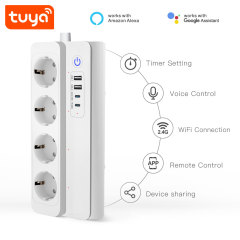
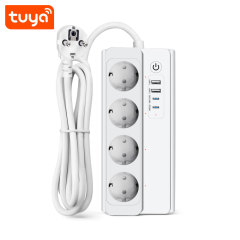
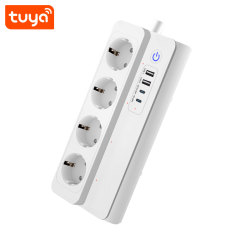
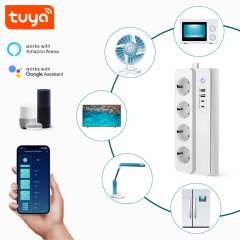
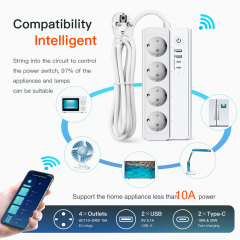
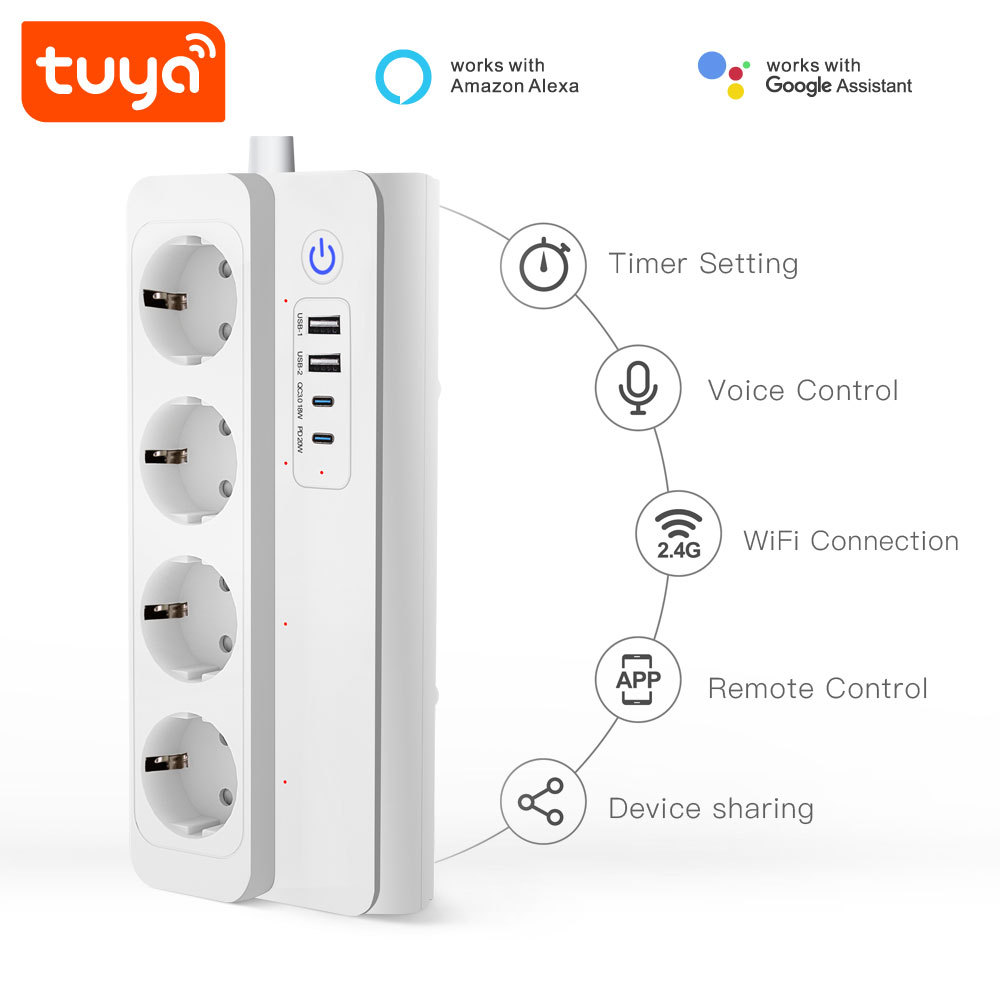
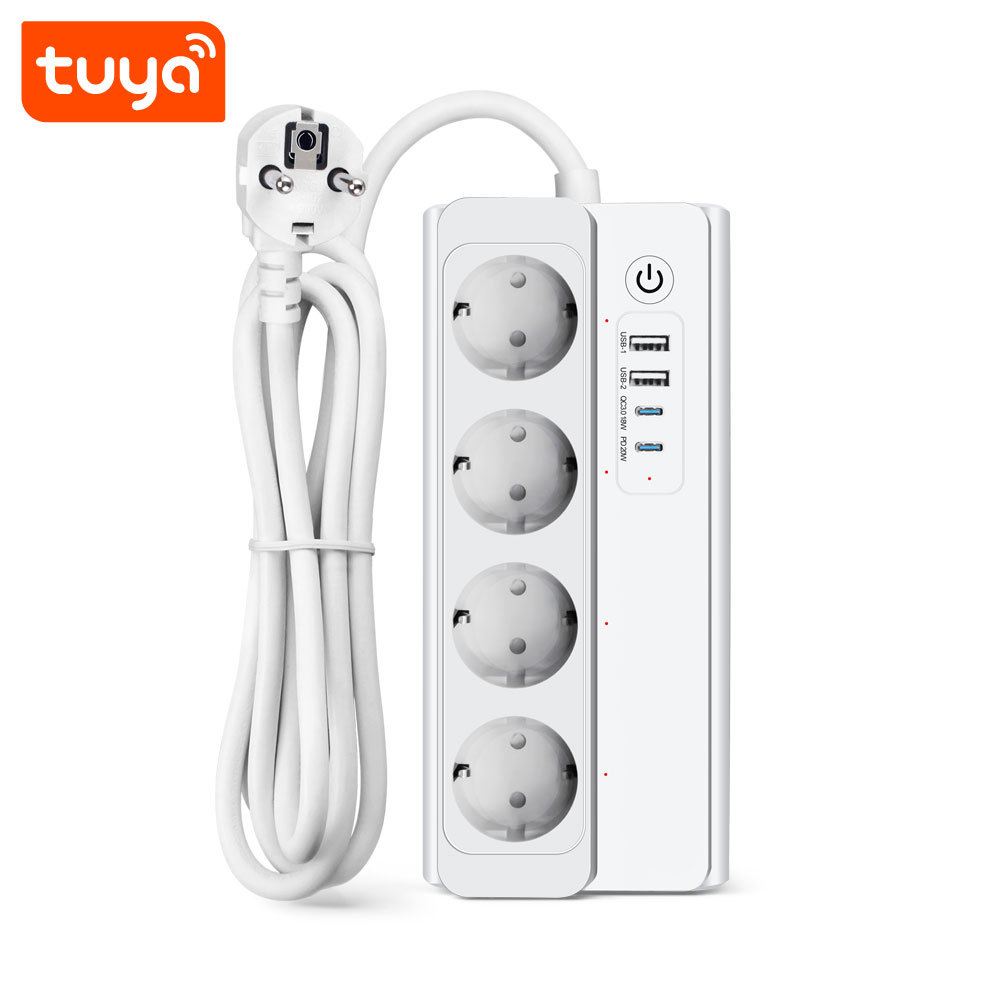
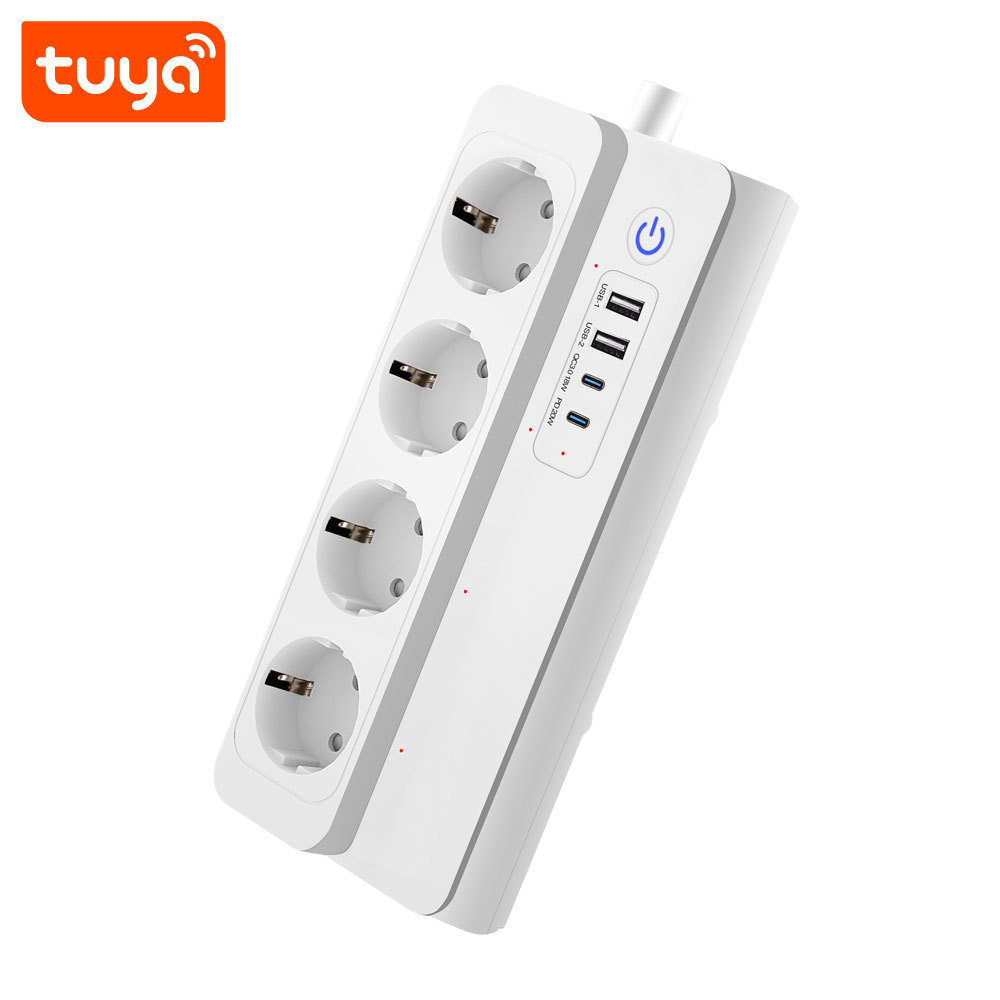
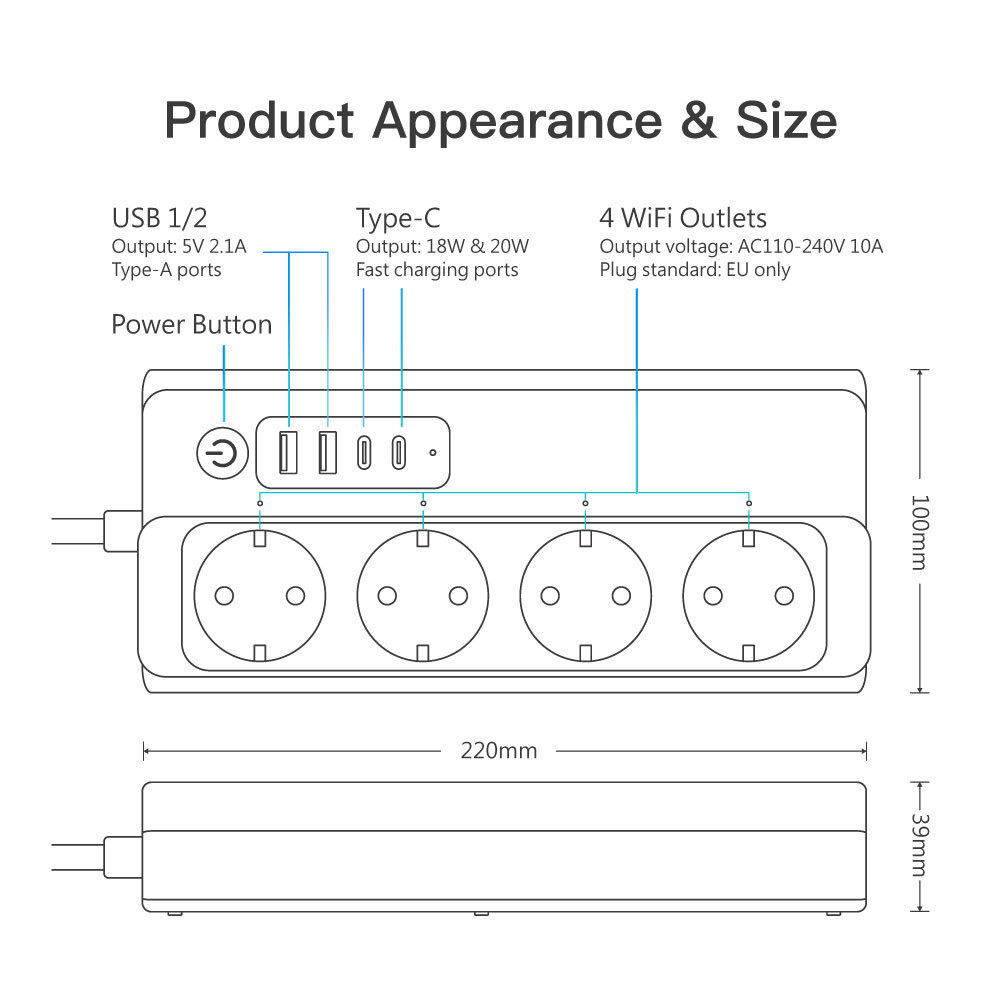
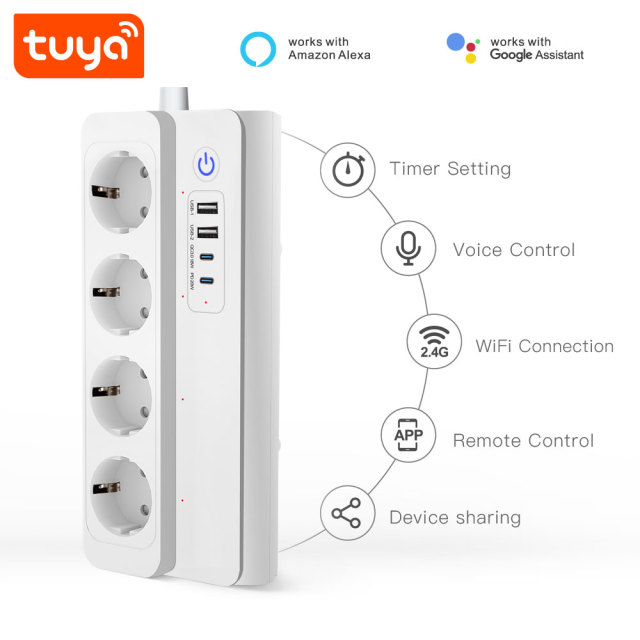
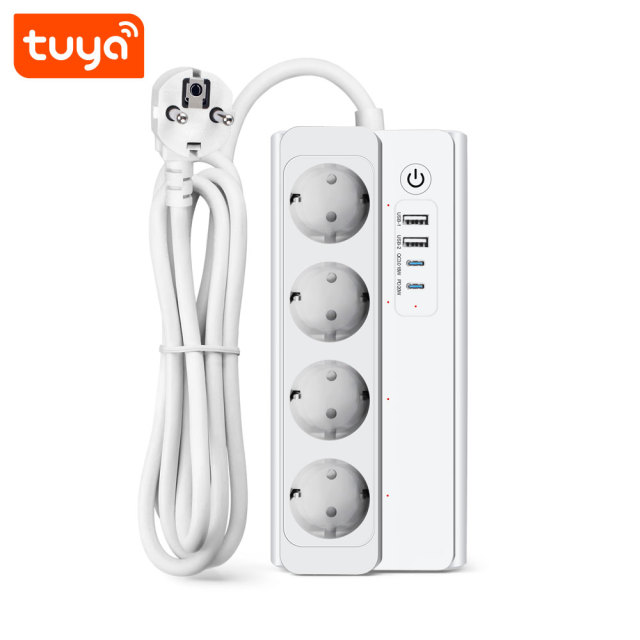
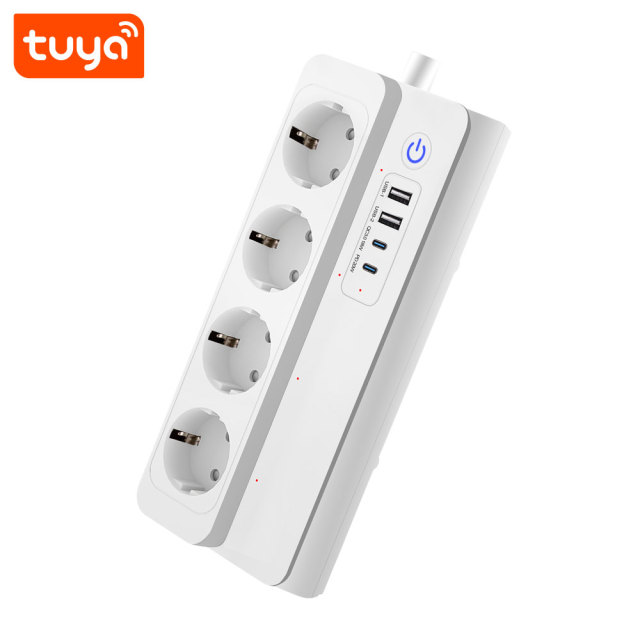
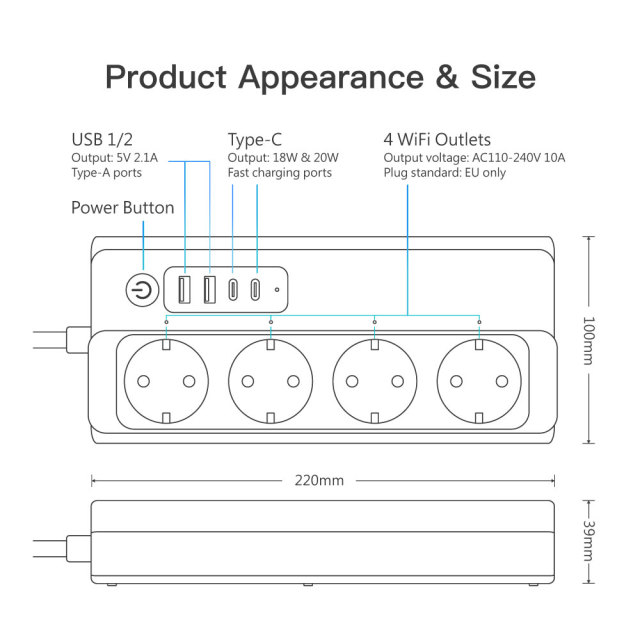
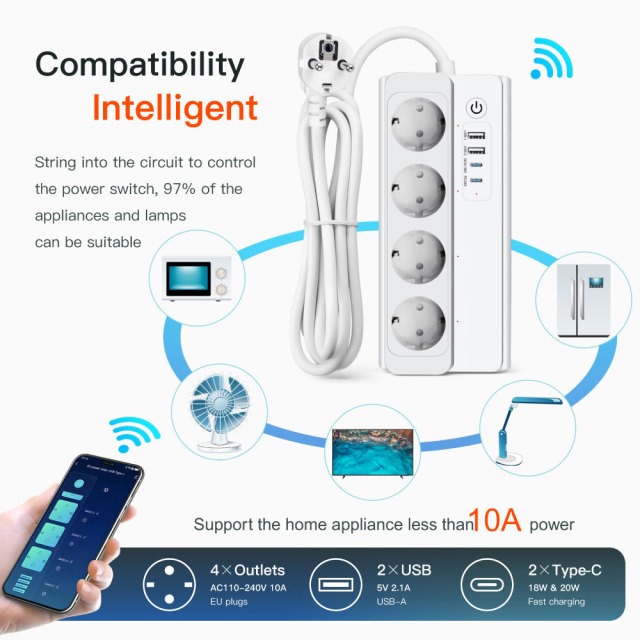
Four European outlets run along the top of a flat white housing, with two USB-A and two USB-C ports grouped at one end beside an illuminated power button. Inside, each outlet is a separately switched smart socket, so the strip behaves like four app-controlled smart sockets sharing one cable rather than one switch for everything.

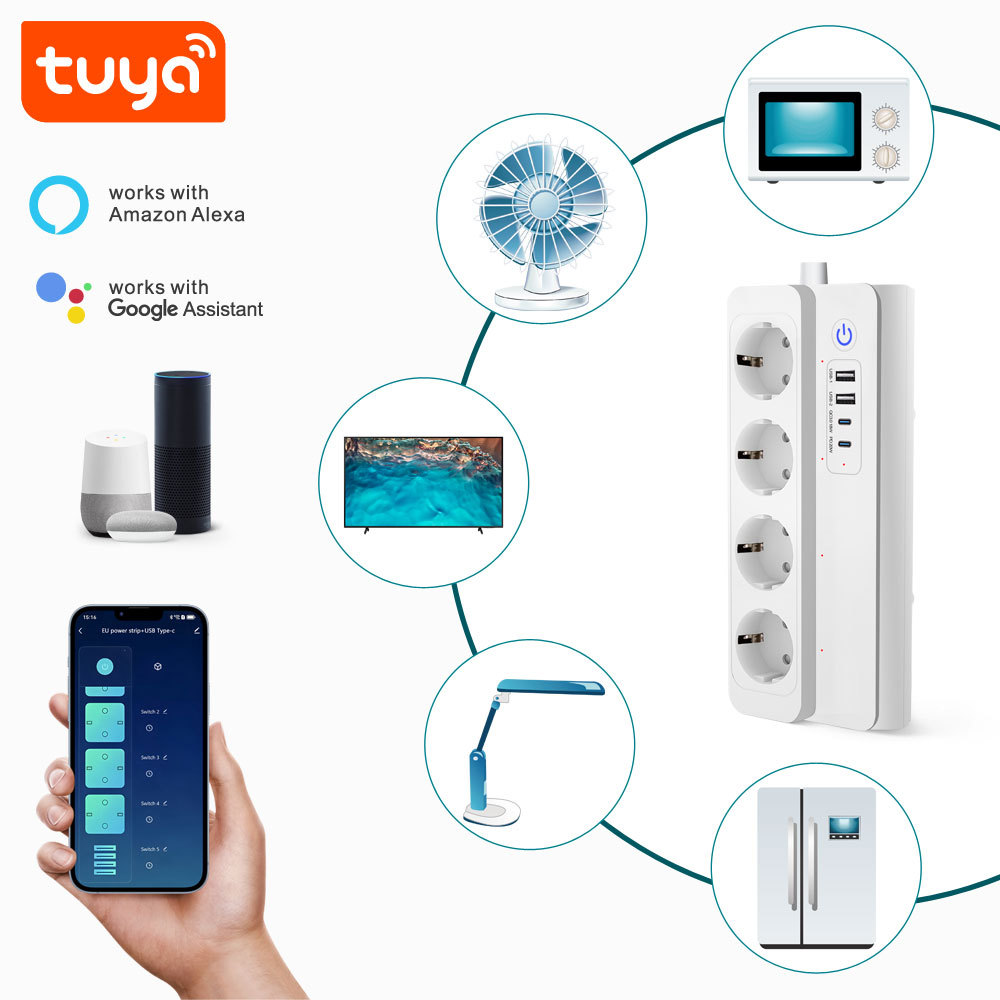
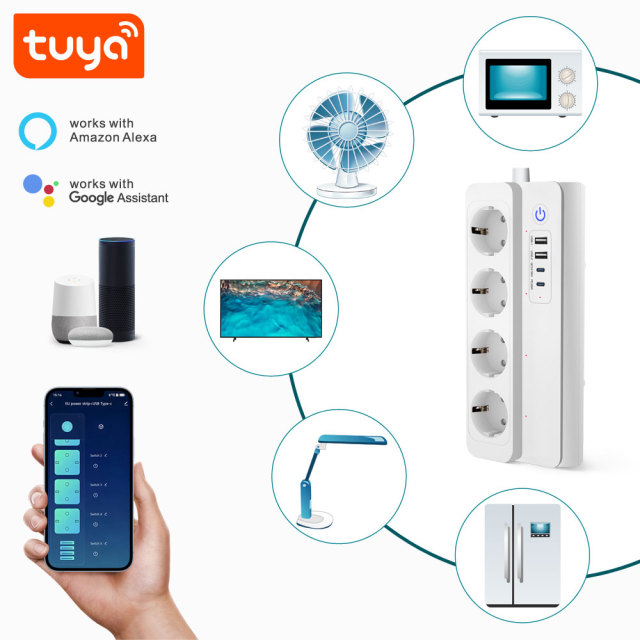
That is the point of the layout. A monitor, a desk lamp, a printer and a phone charger can be given different names and different schedules, and any one of them can be cut without touching the other three. Tuya Smart or Smart Life handles the switching, Amazon Alexa and Google Assistant handle the voice commands, and both run from the account already used for the rest of the devices on site.

Buyers usually arrive from one of two directions. Either a handful of single smart plugs has run out of wall sockets, or one controllable point is needed for a group of devices on a home office desk, a shop counter or a clinic reception. This is a smart socket plug that covers both cases: four AC outlets, four charging ports and one app entry instead of five.

It is built for European sockets with a European plug and supplied in white, and distributors, installers and private-label programmes order it as a wholesale smart socket plug.

Design and System Integration

The housing is moulded in PC with a V0 fireproof rating and finished in matte white. Sockets are recessed into the top face so plugs sit flat rather than proud, the charging ports and the illuminated power button are grouped at one end, and the angled EU plug keeps the cable close to the wall instead of jutting out behind a desk. Nothing about the shape is decorative: it is meant to lie flat, stay put and leave every socket reachable.

Internally this is a wifi smart plug built as a switching platform, not an extension lead with a module bolted on. Each outlet has its own relay, the four report separately in the app, and the switching assembly is rated for 100,000 operations — the figure that matters when outlets are cycled by schedule every day rather than by hand.

Integration is deliberately thin. There is no gateway to power, no hub to lose and no second account: the strip joins the 2.4 GHz network itself and lands in Tuya Smart or Smart Life, where outlets can be grouped for a single command and shared with other accounts. One app and one login then cover the switches, sensors and locks already on the same site.

Two things are worth settling before a private-label run. The first is the plug and outlet format for the destination market, which is agreed before tooling. The second is the firmware behaviour that market expects, because restore-after-outage and shared-user permissions are configuration choices rather than fixed hardware. A smart socket manufacturer would rather close both on paper than in a container.

Performance and User Value

  • Schedules that fit the room. A lamp on at dusk, a shop window live before opening, a charger cut at a fixed hour — each outlet keeps its own rule and runs it without anyone present. - Countdown for temporary loads. A soldering iron, a hair tool or a charger can be set to switch off after a period, so nothing depends on somebody remembering. - Cycle timing for repeating routines. A dehumidifier, a fan or a pump can run on a repeating on/off pattern instead of being left on all week. - Remote control that stays useful. With the strip powered and network-connected, outlets switch from the app wherever you are — handy for a shop that closes before staff leave, or an office that should be cool before anyone arrives. - Away and random switching. A varied routine makes an empty flat, unit or shop look occupied. A smart socket plug that varies its own timing beats a mechanical timer clicking on at the same minute every night. - Sharing without handing over the account. Other family or staff accounts get their own access while the administrator keeps control; whether shared users can be limited to specific outlets is a firmware setting confirmed per order. - Energy visibility. The app shows what connected devices are drawing, so an appliance left on overnight is visible instead of hidden in next month's bill. Surge protection is part of the design brief and is confirmed on the specification sheet for each production batch — ask your sales contact to confirm it for the batch you plan to stock. - Power-state memory after an outage. A smart plug that returns in the wrong state can ruin a schedule, so the strip is designed to remember outlet status when mains power comes back; the exact restore mode — on, off or last state — is confirmed against the production firmware. - Predictable behaviour across a batch. Because the same smart plug manufacturer builds the rest of the electrical line, the pairing flow and the app screens match the switches and sensors on the same job. - Each outlet switches on its own. Independent outlet control keeps a router or a NAS live while the lamp beside it goes off, so nothing has to be unplugged to isolate one device. - Four switched outlets replace four single smart plugs. One housing, one app entry and one cable do the work of a row of separate plugs and a charger block. - Two USB-A and two USB-C ports. Phones, earbuds and a desk speaker charge from the strip, so all four AC outlets stay free for appliances. - A charging budget you can plan around. The charging ports share a fixed total, so the device that needs speed goes on the USB-C port first and the smaller ones trickle — that is the loading the strip is designed for. - Voice control over named outlets. Alexa and Google Assistant reach whatever you have named, which is quicker than opening an app with both hands full. - Three kinds of timer. Schedule, countdown and cycle timer cover an evening lamp, a two-hour charger and a repeating on/off routine without a separate timer plug. - No hub, no gateway, no extra box. A wifi smart socket that joins a 2.4 GHz router directly and appears in the Tuya app beside the switches, sensors and cameras already installed. - EU plug and recessed EU outlets. Plugs sit flush in shallow sockets and the format suits the European market — the first detail a smart socket plug manufacturer has to get right. - One range, one app. The same housing style, app flow and firmware family run across the electrical line, so this sits naturally beside switches and MCBs from one smart plug manufacturer, with one set of instructions on site.

USB Charging Ports

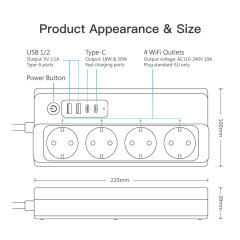
USB-C port quantity2 ports
USB-A port quantity2 ports
USB-C protocolsPD2.0 / PD3.0 / PPS / QC2.0 / QC3.0 / AFC / FCP / Apple 2.4A / Samsung 2A / BC 1.2
USB-A protocolsQC2.0 / QC3.0 / AFC / FCP / Apple 2.4A / Samsung 2A / BC 1.2
USB-C single-port output20 W — 5V3A / 9V2.22A / 12V1.67A; APDO1 3.3–5.9V/3A; APDO2 3.3–11V/1.8A
USB1 single-port output18 W — 5V3A / 9V2A / 12V1.5A
USB2 and USB3 single-port output5 W — 5V1A
USB-C + USB1 together15 W / 5V3A
All four charging ports together20 W / 5V4A

Application in Small Commercial Facilities

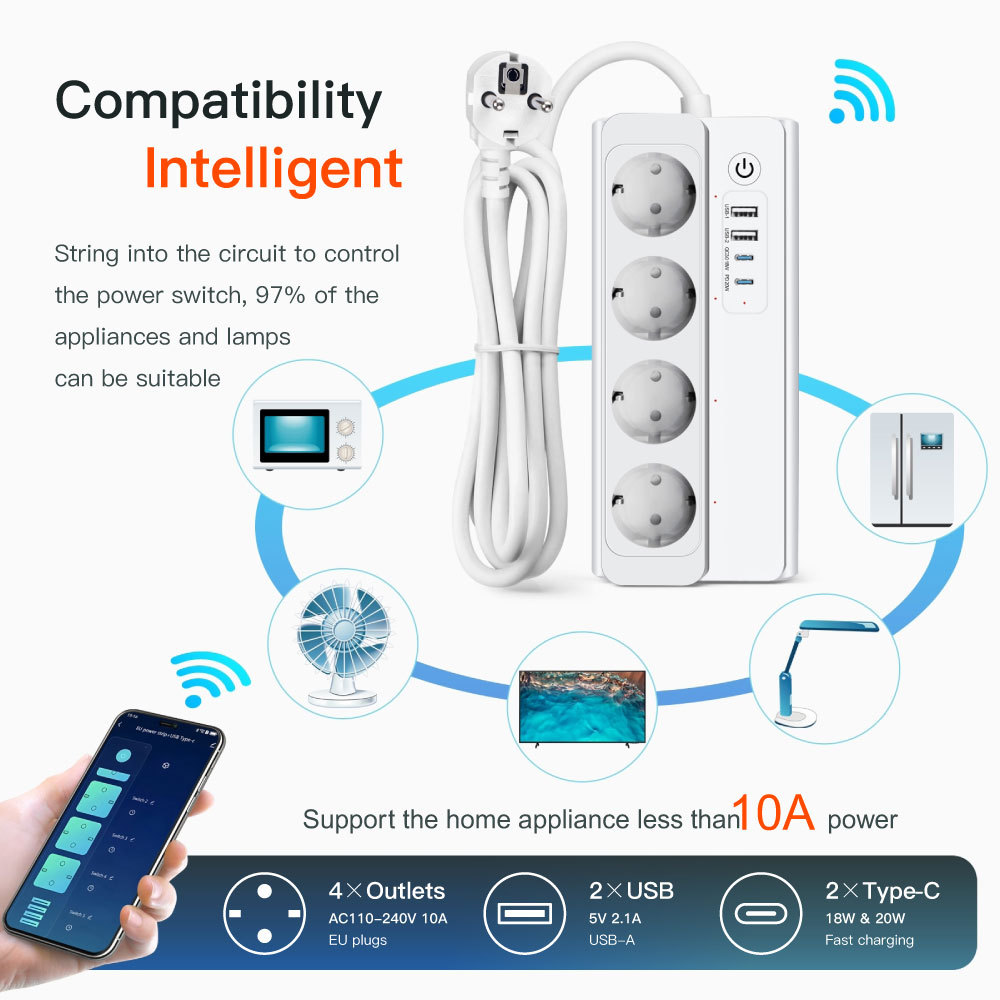
Small sites rarely have a building management system, but they nearly always have one counter where six devices share an extension lead. A wifi smart socket strip gives that counter a schedule and a remote switch without touching the wiring: window lights, a card-terminal charger, a label printer and a back-office fan can each be named, timed and switched from a phone.

The fits are ordinary ones. A reception desk that should not leave monitors, chargers and a coffee machine live overnight. A salon or clinic where heated tools and sterilising equipment need a defined off point at close. A stockroom where a dehumidifier runs on a repeating cycle. A small office where two or three staff need control of the meeting-room bank of devices without passing a phone around.

Two rules keep it safe. This is a portable indoor product, so it does not replace fixed wiring, the socket circuit or the building's circuit breaker — where a fixed installation is required, an electrician specifies it as part of the circuit. And everything plugged in together has to stay inside the strip's rated maximum, which in a shop usually means spreading high-draw equipment rather than stacking it on one strip.

For distributors fitting out small commercial sites, a wholesale smart socket plug is easier to place than four single units: one box, one app entry, one set of instructions for the installer. Buying from a smart plug manufacturer that already supplies the switches and sensors on the same job also keeps the app side consistent, instead of leaving the end customer with three apps for one shop.

- Home office desk. Monitor, laptop dock, desk lamp and phone charger on one strip: the dock stays live all day, the lamp follows a schedule, and the charger outlet stops at the end of the working day. - Living-room media corner. Television, soundbar, console and a streaming stick across four outlets — one command at night clears the standby draw that four remote controls would otherwise leave running. - Bedside table. Two lamps, a watch charger and a phone, with the smart socket beside the bed bringing the lamps on at dusk and stopping the charger after two hours. - Serviced flat or rental unit. A varied lamp routine keeps the place looking occupied while it is empty, and a wifi smart plug lets the owner check from anywhere that nothing has been left on. - Small workshop or maker bench. Soldering iron, task light, 3D printer and a phone: the iron's outlet runs on a countdown so it cannot be left live by mistake. - The drawer of adapters. When a desk has collected several single smart plugs, adapters and a charger block, one strip replaces the lot with a single cable to the wall.

PST-SM-302-E Specifications

Product NameTuya Smart WiFi EU Four Outlet Power Strip With 2 USB & 2 Type-C Ports
APP NameTuya Smart or Smart Life
ColorWhite
MaterialPC+V0 Fireproof Material
Outlet Quantity4 AC outlets
Outlet ControlIndependent control for each outlet
WiFi StandardsWi-Fi 2.4GHz Only
Support Voice ControlWorks with Amazon Alexa / Google Assistant
Remote ControlAPP remote ON/OFF control
Timer FunctionsSchedule / Countdown / Cycle timer
Sharing ControlDevice sharing for family members
Power Failure MemoryPower status memory / restoration behavior: To be confirmed
Input VoltageAC 100-240V~ 50/60Hz
16A Rated PowerMaximum 3500W (1850W for 110V AC) Protection
Overload protection; surge protection to be confirmed Plug TypeEuropean Outlet Cable Length
1.5M Operating Temperature-30 °C to +70 °C Humidity
Less than 95% RH InstallationPortable desktop / indoor use Product Dimension
220 × 100 × 39 mm Unit Weight0.64 kg Application
Home, office and indoor appliance control

Setup and Placement

  1. Put the strip where it will actually live — a dry, ventilated indoor surface such as a desk, shelf or counter near a wall socket — before starting the app, so the network test happens in the real position.
  2. Plug it into an earthed EU wall socket and switch on; the illuminated power button confirms the strip is live.
  3. Install Tuya Smart or Smart Life, sign in, choose Add Device and pick the WiFi power-strip category. Keep the strip close to the router during pairing.
  4. Put the phone on the 2.4 GHz network and allow local-network permissions when the app asks for them.
  5. Name each outlet after the appliance rather than the socket number — Desk lamp, Card machine, Label printer. Short, unique names are what the voice assistants will use later.
  6. Test one outlet at a time from the app, then build the schedule, countdown or cycle timer for each. If pairing fails, reset the strip per the manual, delete the incomplete device record in the app and retry beside the router.
  7. Share the strip with the other accounts that need it, then link the Tuya account to Alexa or Google Assistant and test the outlet names by voice. Rename anything the assistant mishears.

Ordering and Delivery

  1. Confirm the outlet and plug format against the market you sell into. This model uses European outlets and a European plug, and the format is agreed before a private-label run — the first thing any smart socket manufacturer has to get right.
  2. Choose the packaging route: standard colour box, an OEM box and manual printed with your own artwork, or a laser logo on the housing. Volumes, unit costs and lead times for each route are quoted per order; as a smart socket plug manufacturer we print against your approved artwork rather than a generic template.
  3. Plan the carton. Each colour box contains the strip and a user manual, this model packs 24 pcs per carton in a 47 × 42 × 32 cm carton, and the box itself measures 10.5 × 7 × 26 cm.
  4. Allow for mixed packing if the container carries more than one item. The 2P Tuya smart MCB, for example, packs 36 pcs per carton at 13.7 kg in a 47 × 37 × 33 cm carton, so carton counts and weights differ line by line.
  5. Confirm payment terms, delivery schedule and the certification documents your market checks. As a smart plug manufacturer we issue documents against the exact model rather than a generic sheet, and terms are agreed per order.
  6. Decide whether to combine lines. Wholesale smart socket plug orders usually mix this strip with switches, sensors and locks from the same range, and a mixed shipment is quoted on one set of terms.

Testing & Compliance

Compliance paperwork matters as much as the hardware itself. The Tuya-based smart home and smart electrical products we supply carry FCC, CE, UL and RoHS certification, and every order passes 100% quality control before dispatch. Tell us which directive, standard or market your buyers check against, and we will confirm the applicable certificates and third-party test reports for the models you plan to stock — issued per project, never as blanket claims. When a range is updated, we help distributors keep their files current, and we stay with you through replacement and after-sales.

FAQ

How much can I run from the strip at once?

Everything plugged in together has to stay inside the strip's rated 16 A and 3500 W maximum, so treat high-draw appliances as a one-at-a-time job: a kettle, a heater or a hair dryer should not share the strip with another heavy load. Lamps, monitors, chargers and small electronics can sit alongside each other freely. The overload protection inside this smart socket plug is a backstop, not a substitute for the circuit breaker on the wall, and anything left running unattended should be checked against its own rating plate.

What happens to the outlets if the internet connection drops?

Remote app control and anything that depends on the cloud stop while the router or the connection is down. Outlet behaviour on site then follows the stored device state and the firmware in that batch — the strip keeps working as a strip, but schedules, voice commands and remote switching do not reach it until it reconnects. That is the trade-off of a wifi smart socket with no hub: nothing extra to install, but no local bridge to fall back on.

Can the four outlets be controlled as one group?

Yes, both ways. Every outlet in this smart socket has its own switch and its own name, and group control can also be configured in the app so one command covers the whole strip or a chosen subset. Grouping is firmware-dependent, so tell us the behaviour your market expects when you specify an order and we confirm it for that batch.

What can the USB-C port charge?

Phones, tablets, earbuds, power banks and desk accessories. On this wifi smart plug the C port is PD-rated and fast-charges a modern phone or tablet; a laptop will top up slowly rather than run under load, so treat laptops as an AC-outlet job. When several charging ports are in use the budget is shared, which is why the C port is the one to give the device that needs speed.

Can the strip be wall-mounted or used outdoors?

It is built as a portable desktop strip for indoor use, so keep it on a surface rather than fixing it to a wall. Mounting accessories and approved wall installation are not settled for this model and would need to be confirmed. Bathrooms, wet rooms and any outdoor position are outside what we can support — for a fixed run in a commercial space, an electrician should specify a proper installation instead.

Will it connect to a 5 GHz network?

No — the radio is 2.4 GHz only, which is the band the pairing flow expects. Most routers publish both bands; if yours uses a single combined network name, split the bands or connect the phone to the 2.4 GHz one while pairing. Once the strip is connected, the phone can go back to 5 GHz for everything else.