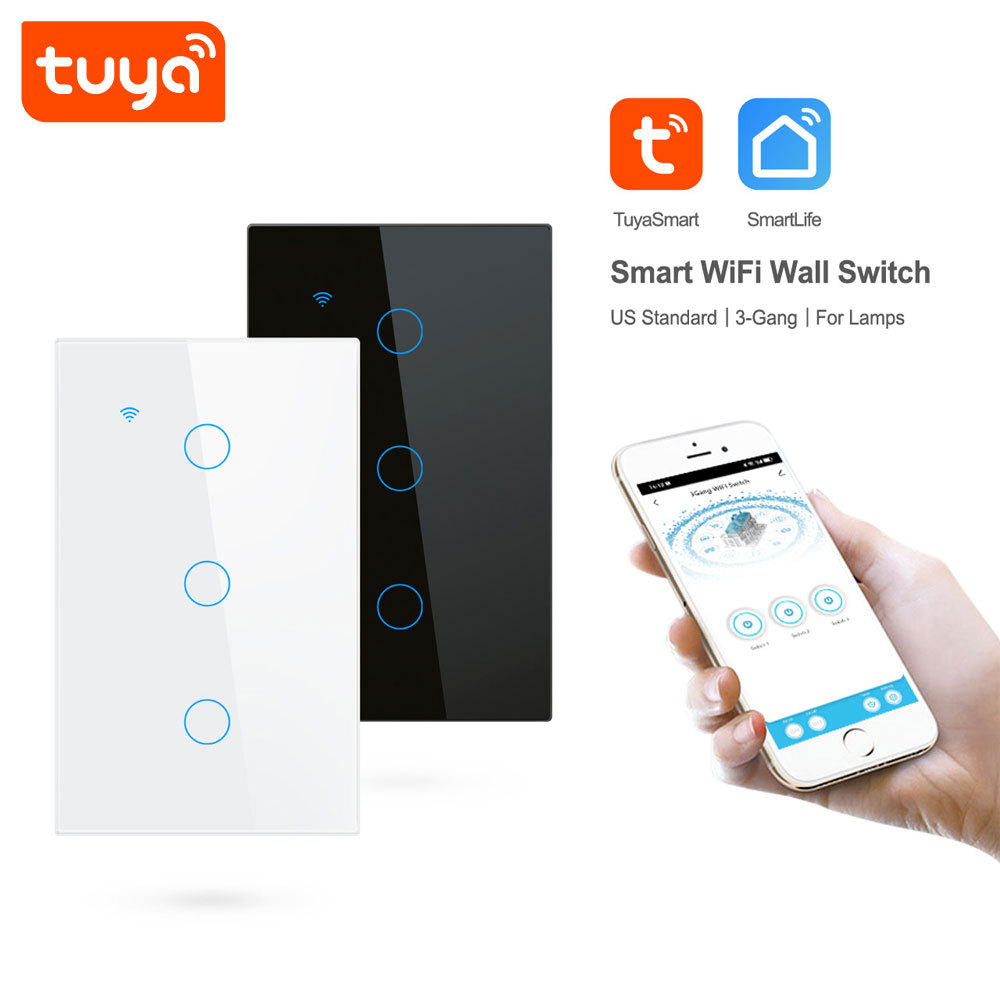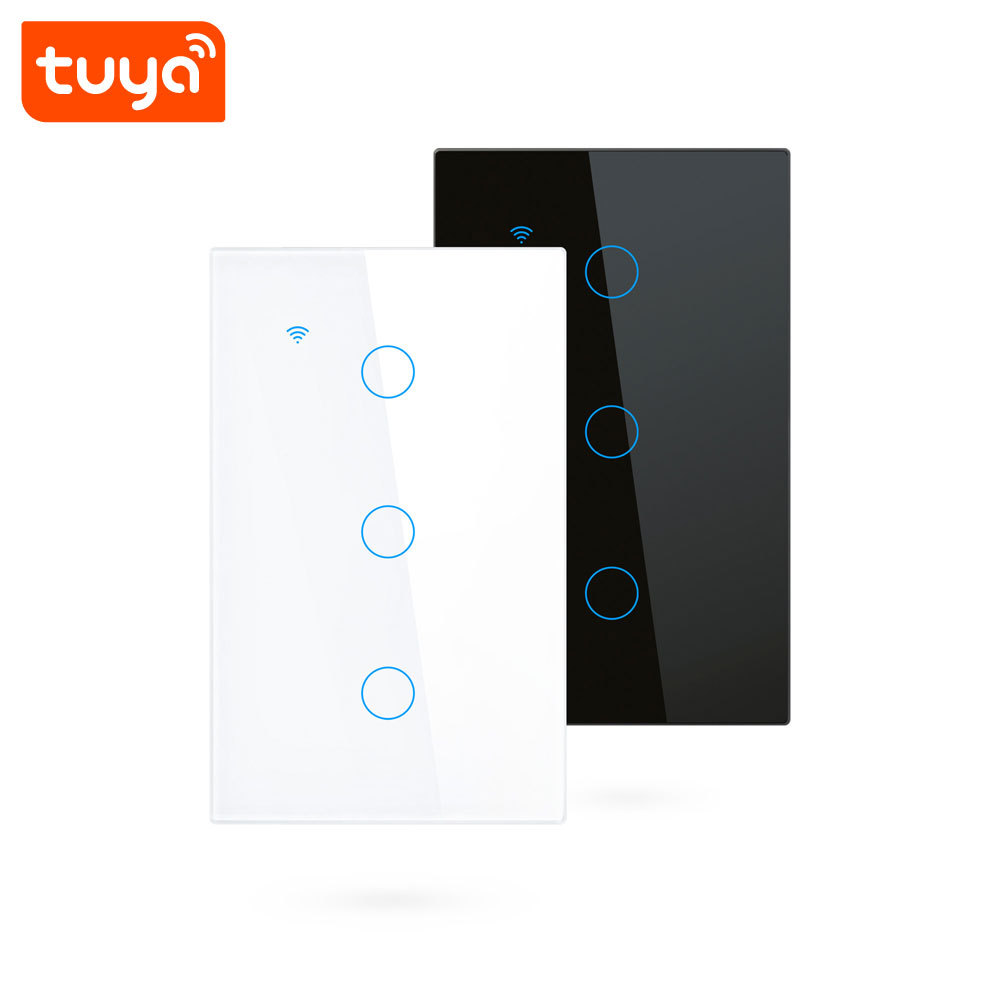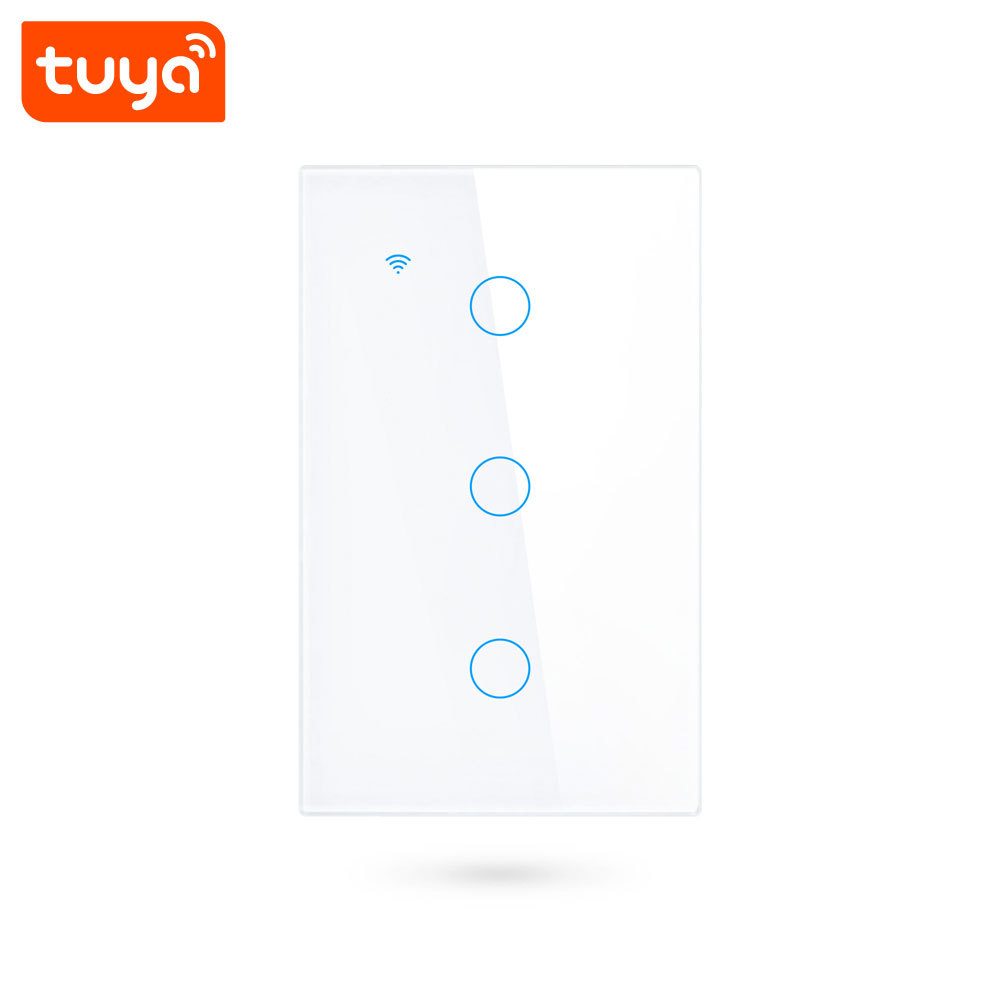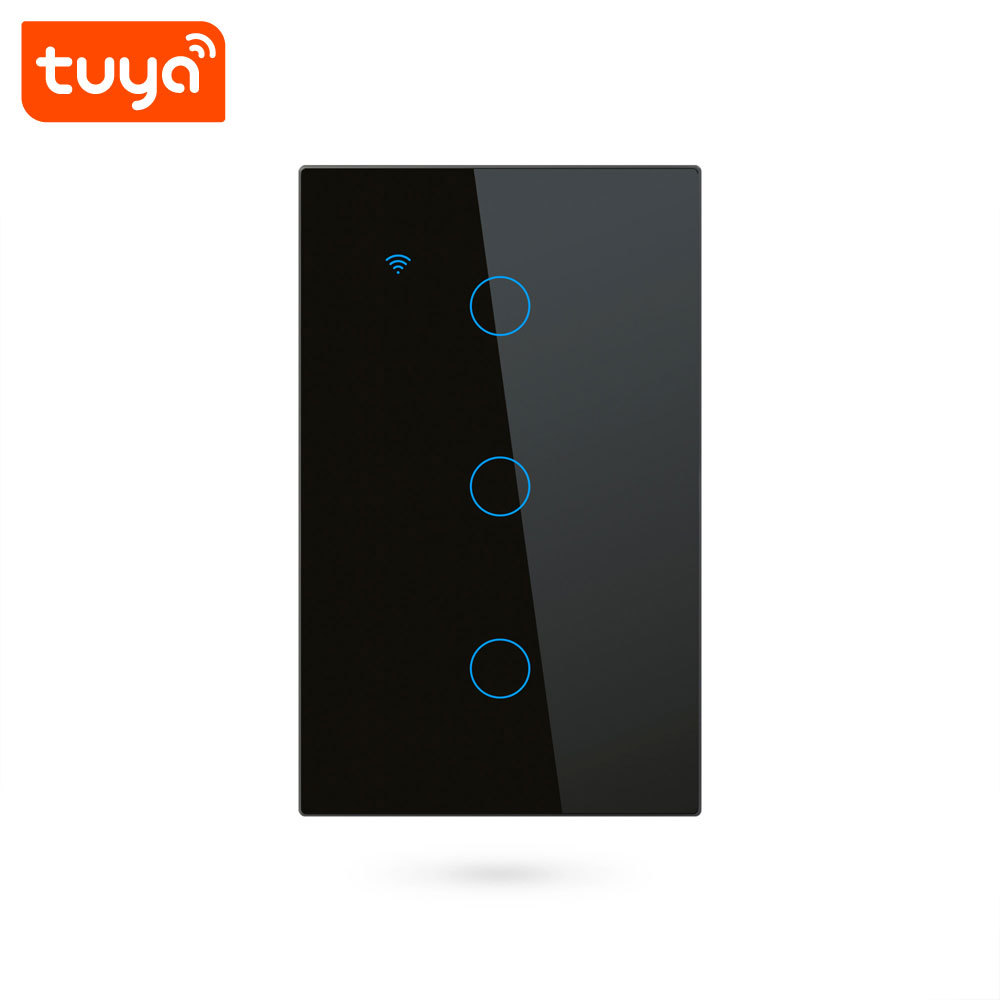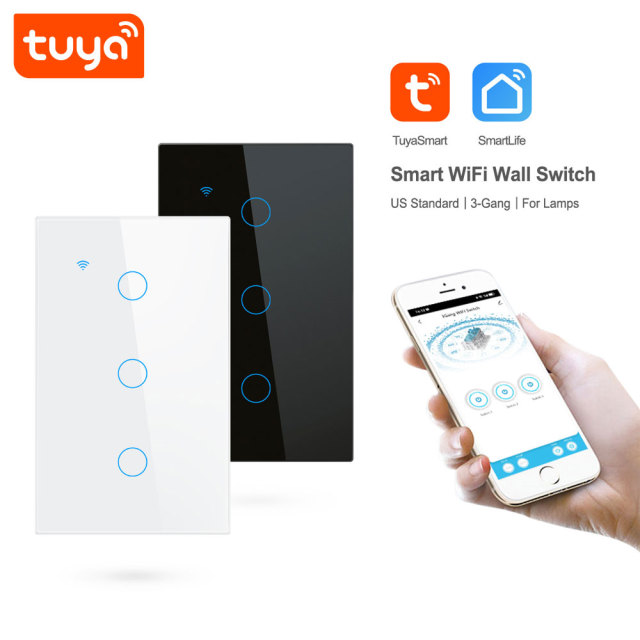
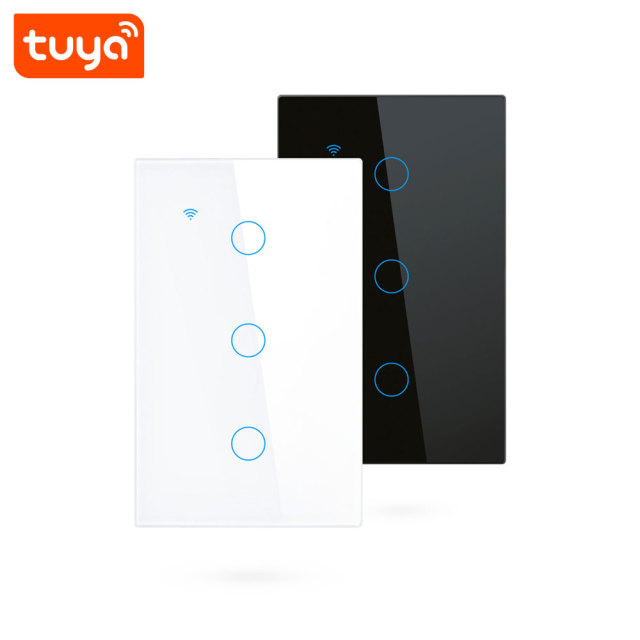
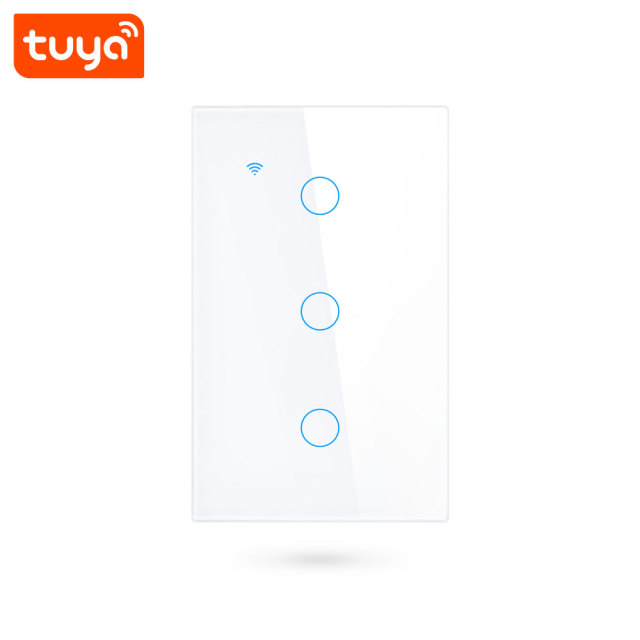
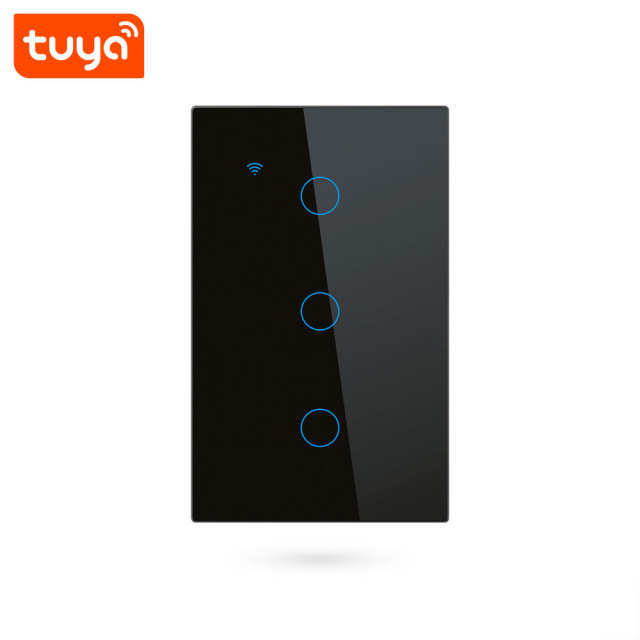
• Tuya Smart 3-Gang WiFi Touch Wall Switch (US Standard) - 3-Channel for Lamps
  • Tuya Smart 3-Gang WiFi Touch Wall Switch (US Standard) - 3-Channel for Lamps
  • Tuya Smart 3-Gang WiFi Touch Wall Switch (US Standard) - 3-Channel for Lamps
  • Tuya Smart 3-Gang WiFi Touch Wall Switch (US Standard) - 3-Channel for Lamps
  • Tuya Smart 3-Gang WiFi Touch Wall Switch (US Standard) - 3-Channel for Lamps
  • Tuya Smart 3-Gang WiFi Touch Wall Switch (US Standard) - 3-Channel for Lamps
  • Tuya Smart 3-Gang WiFi Touch Wall Switch (US Standard) - 3-Channel for Lamps
  • Tuya Smart 3-Gang WiFi Touch Wall Switch (US Standard) - 3-Channel for Lamps
  • Tuya Smart 3-Gang WiFi Touch Wall Switch (US Standard) - 3-Channel for Lamps
  • Tuya Smart 3-Gang WiFi Touch Wall Switch (US Standard) - 3-Channel for Lamps
  • Tuya Smart 3-Gang WiFi Touch Wall Switch (US Standard) - 3-Channel for Lamps
  • Tuya Smart 3-Gang WiFi Touch Wall Switch (US Standard) - 3-Channel for Lamps

Tuya Smart 3-Gang WiFi Touch Wall Switch (US Standard) - 3-Channel for Lamps

No.PST-TY-U3
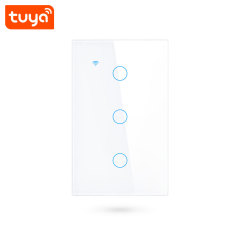
A US-standard 3-gang touch panel that brings three lighting circuits under Tuya app, voice and touch control, with a tempered glass front.
With/Without neutral line:
N+L
N+L & Only L
  • Tuya Smart 3-Gang WiFi Touch Wall Switch (US Standard) - 3-Channel for Lamps
  • Tuya Smart 3-Gang WiFi Touch Wall Switch (US Standard) - 3-Channel for Lamps
  • Tuya Smart 3-Gang WiFi Touch Wall Switch (US Standard) - 3-Channel for Lamps
  • Tuya Smart 3-Gang WiFi Touch Wall Switch (US Standard) - 3-Channel for Lamps
  • Tuya Smart 3-Gang WiFi Touch Wall Switch (US Standard) - 3-Channel for Lamps
  • Tuya Smart 3-Gang WiFi Touch Wall Switch (US Standard) - 3-Channel for Lamps
  • Description

  • Detailed Images

Product Overview

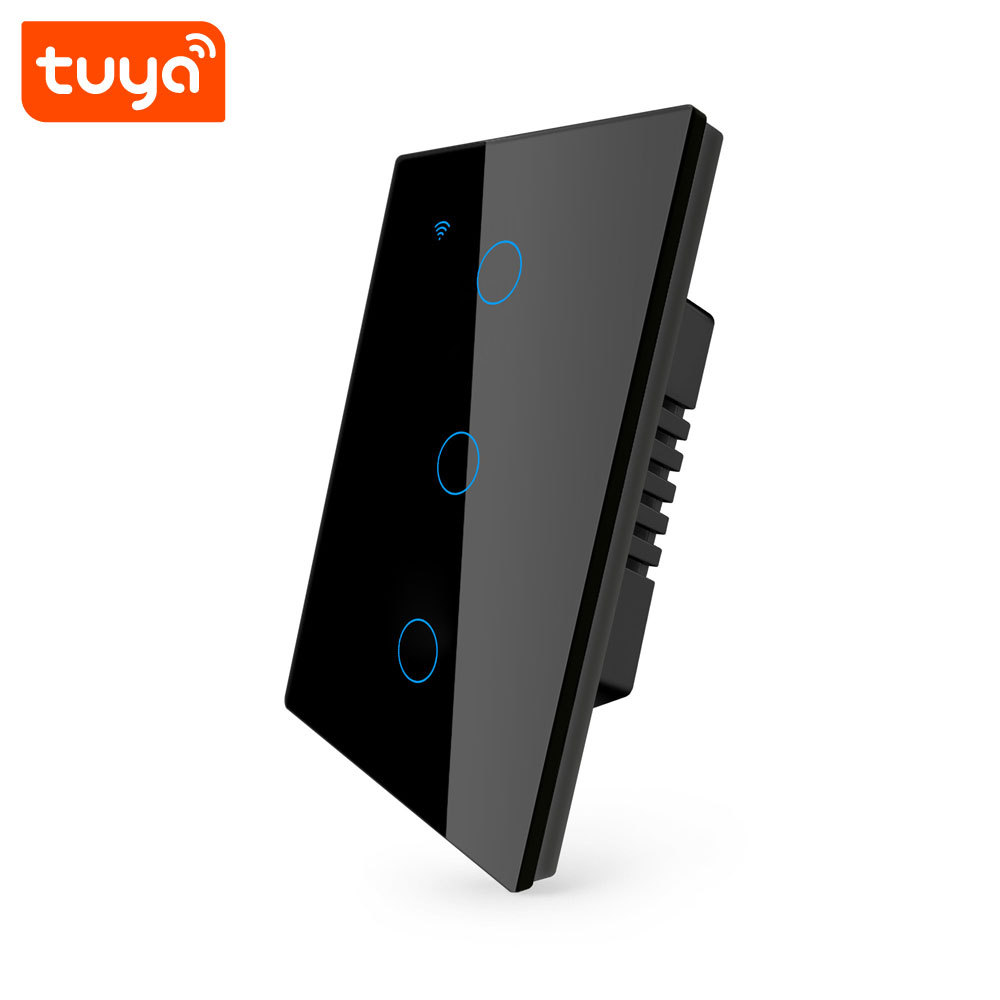
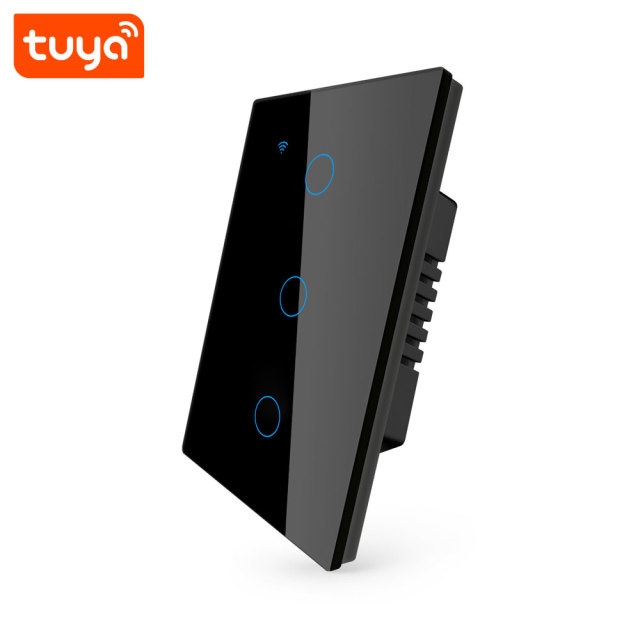
A US-format wall plate with three touch zones and three separate lamp relays behind the glass. Tuya Smart and Smart Life handle the app side, so the same plate that switches the room by hand can also be switched from a phone elsewhere in the building, or by voice through Amazon Alexa or Google Assistant. It is built for the wall boxes US contractors already install, which keeps the changeover simple on refurbishment work.

The point of the third gang is fewer plates on the wall. Instead of a row of single switches beside a doorway, one face covers the chandelier, the perimeter downlights and the lamp on the sideboard, each on its own channel and each with its own name in the app. For the installer that means one cut-out, one feed and one commissioning routine. For the people using the room it means a calmer wall and nothing to reach for in the dark.

We supply this smart light switch as part of a Tuya-based electrical range that also covers sockets, plugs, circuit breakers and door locks, so a distributor can build one programme across several categories without mixing ecosystems. Panels arrive ready to add to the app, and the channels are named during commissioning rather than at the factory, which is how a three-zone plate ends up matching the room instead of the carton.

- Three independent lamp channels — Each touch zone drives its own relay, so one smart switch plate can carry a chandelier, a run of downlights and a reading lamp without any of them sharing a switch. In the app the channels appear as Switch 1, Switch 2 and Switch 3 and can be renamed to the room. - Local touch that does not depend on the router — The glass surface works as an ordinary wall switch when the network is down or the Wi-Fi is being changed; app and voice control resume as soon as the panel reconnects to the network. - Neutral or non-neutral wiring from one range — The panel accepts a conventional live-and-neutral feed and also installs in older boxes with no neutral, using the capacitor supplied in the box. One stock line therefore covers new-build and retrofit work on the same site. - Tuya app plus Alexa and Google Assistant — Pair in Tuya Smart or Smart Life, then link the account to a voice assistant so lights can be switched by name. Because it sits in the Tuya ecosystem, this smart home light switch can join scenes with sensors, sockets and curtains from the same range. - Timers and scenes per zone — Schedules can be set channel by channel, so outside lights follow sunset and the hallway lamp switches itself off at midnight; scenes group the three channels, or several panels, under a single command. - Indicator light and touch feedback — A small light marks each zone and doubles as the pairing and connection signal, which helps in a dark corridor and during commissioning when several plates are being added at once.

Material & Build

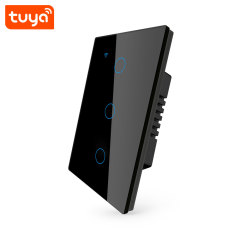
The front is tempered glass, polished flat and slightly reflective, so the plate reads as a single panel rather than a switch with a cover screwed onto it. Glass does not yellow the way some plastics do, it resists the scuffs that come from keys and rings, and it wipes clean with a damp cloth — useful where the same wall is touched dozens of times a day.

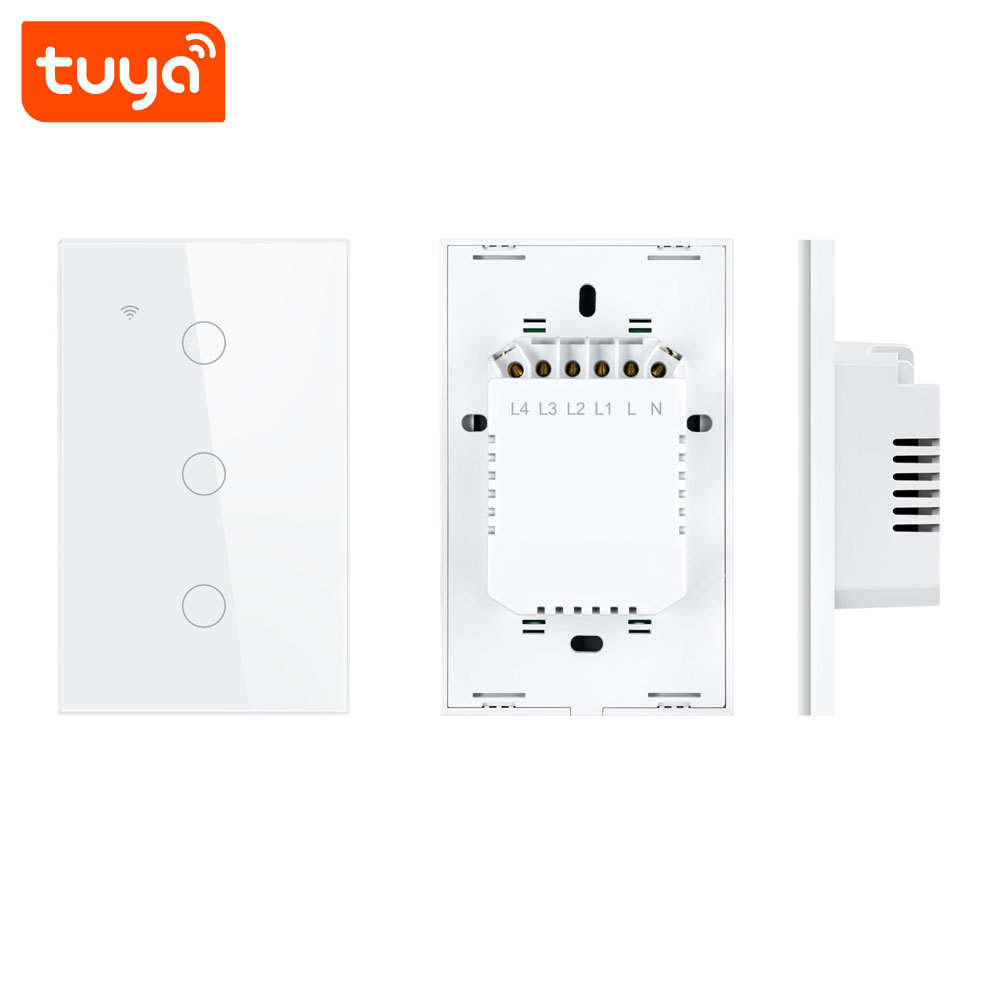
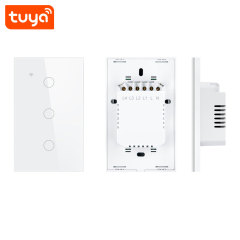
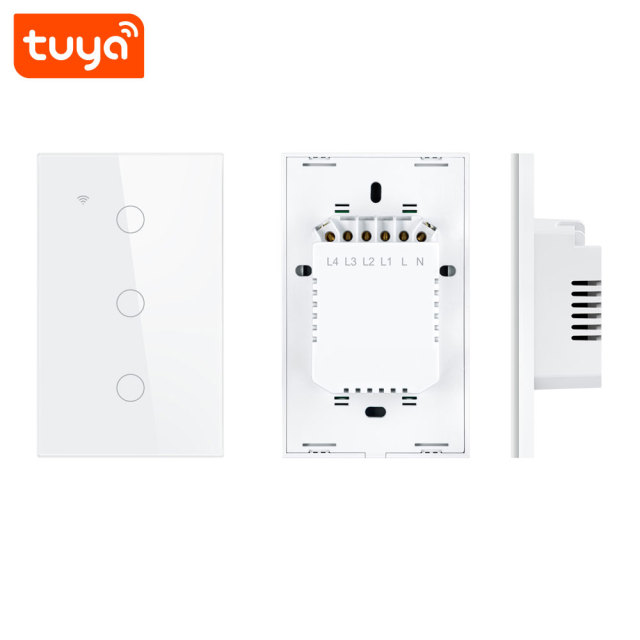
Behind the glass the electronics sit in a fire-retardant PC back shell. The rear housing is matte and lightly ribbed, which gives fingers something to grip when the module is pushed into a tight box, and the terminal block is recessed so no bare conductor sits close to the plate edge.

Capacitive touch means there is no button travel, no spring and no gap for dust to collect in; the switching happens under the glass. In service the parts that wear are the ones you would expect — the relay contacts — while the surface people actually handle stays as it left the factory.

As a smart switch manufacturer we hold the same plate thickness across the range, so three-gang, two-gang and one-gang panels fitted side by side along a corridor line up without shims. Check a finish sample against the other plates on site before a large order; the same colour can read warm or cool depending on the wall and the light in the room.

Dimensions & Site Conditions

  • Front plate — 72 × 70 × 11 mm (length × width × thickness, approximate), so the glass stands only a little proud of the wall and sits close to the surrounding plaster or tile.
  • Overall size with the back housing — 118 × 72 × 35 mm. The 35 mm is what goes into the wall box, plus the space the folded conductors need behind it.
  • Box check before a large order — measure one box on site against that depth and the wiring you plan to fold in. A shallow box is the usual reason a wifi smart switch will not sit flat, and it is far easier to find on a sample than on a full carton.
  • Operating temperature — −10 °C to +60 °C, which covers ordinary indoor rooms including unheated hallways and utility areas.
  • Humidity — 5%–95% non-condensing, so normal indoor humidity is fine while condensation and wet rooms are not.
  • Why the dimensions matter on repeat work — across a multi-unit project the plate has to repeat exactly from one apartment to the next, so fit one unit completely before the rest of the order is released.

Wiring & Installation

  1. Isolate and check the box. Switch off the circuit at the breaker, confirm it is dead, and check the depth of the wall box — the module plus the folded conductors needs room behind the plate.
  2. Map the conductors before disconnecting. Note which cable feeds which lamp and whether a neutral is present at the box. Photograph the old switch before removal; it saves time on multi-gang replacements.
  3. Terminate to the marked block. The terminal block is marked for live, neutral and one load terminal per gang, so each lamp circuit lands on its own screw. Arrange the earth/ground conductors the way the existing installation requires.
  4. Fit the capacitor where there is no neutral. In a non-neutral installation the supplied capacitor goes across the lamp as shown in the wiring diagram, otherwise the panel may not hold its state or may flicker on low-load LED lamps.
  5. Mount the plate and restore power. Fix the module into the box, clip the glass face on so it sits flush, then switch the breaker back on. The touch zones should respond at the first press.
  6. Pair on a 2.4 GHz network. Open Tuya Smart or Smart Life, add the device and hold a touch zone until the indicator flashes to put the wifi smart switch into pairing mode. The panel will not join a 5 GHz network.
  7. Name the channels and test every zone. Rename Switch 1 to Switch 3 after the room and the circuit, then switch each lamp from the panel, the app and the voice assistant before handing over.
  8. Share access before leaving site. Share the device with the owner's or facility manager's account so the handover does not depend on the installer's login.

Installation Scenarios

  • Living room with layered lighting — Ceiling fitting, cove or perimeter downlights and a floor lamp land on the three zones, and an evening scene can leave only the floor lamp on when the room settles down for the night.
  • Small office or consulting room — Desk lighting, perimeter lighting and the meeting corner sit on separate channels, so cleaning or security staff can work under one zone while the rest stays off. This is where a smart light switch earns its keep: the lighting follows the working day rather than whoever is nearest the door.
  • Commercial display spaces — Window and display lighting runs on a timer that switches on before opening, while the sales floor and back room are controlled separately so staff can restock outside trading hours.
  • Rental apartments and serviced units — Guests use the glass panel as an ordinary switch, and the operator keeps app access to check and control the three zones between stays. Access can be shared per guest account and withdrawn afterwards.
  • Multi-unit residential projects — The same plate repeats through identical layouts, so the wholesale smart switch order can cover every unit from one specification, one wiring scheme and one commissioning routine.
  • Home automation retrofits — Where a house is being brought onto a Tuya system room by room, this smart home light switch lets an existing three-gang box join the system without rewiring the lighting circuits.

Specifications

ModelPST-TY-U3
Product NameTuya Smart 3CH WIFI US Touch Switch
App NameTuya Smart or Smart Life
Switch Channel3CH
VoltageAC 100V-240V 50/60Hz (wide voltage range for global use)
Switch ModeTouch/Mobile phone
WiFi StandardIEEE 802.11 b/n/g 2.4 GHz
Voice ControlWorks with Amazon Alexa and Google Assistant
MaterialTempered glass panel (scratch-resistant, easy to clean) + Fire-retardant PC back shell
ApplicationSpecifically designed for controlling home lamps
Rated Power10-400W/gang INC, 5-200W/Gang LED
Wiring CompatibilitySupports both neutral wire and non-neutral wire installation(Extra)
Control ModesTouch Control, APP Remote Control, Voice Control, Timer Control
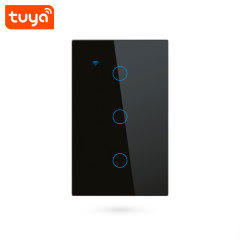
ColourWhite / black / gray / gold

Package Contents

ItemDetail
Touch switch (tempered glass face, fire-retardant PC back)1 pc
Screwsx2
Capacitor for non-neutral wiring1 pc
User manualx1
Individual box size14 × 9 × 5.5 cm
Unit weight0.246kg
Units per carton50 pcs
Carton gross weight11.9 kg
Carton size47 × 29 × 30 cm

OEM & ODM Customization

Private-label work on this model starts with four options. PID printing puts your part number on the product or its label; box and manual printing replaces the standard packaging and the printed instructions with your own artwork; laser logo etches your mark onto the product; and icon design lets the touch zones carry your symbols instead of the standard markings. The options can be combined, and each one carries its own minimum run, which we confirm against your launch rather than quoting one figure for every combination.

The electrical design does not change when the branding does. Relays, terminal layout, glass and firmware stay as they are, so a private-label unit commissions and pairs exactly like the standard model and your installers only need one set of instructions.

As a smart switch manufacturer we handle artwork in-house: send print-ready files and a colour reference, we return a proof for approval before the run starts, and the approved proof is what the factory works to. That avoids the familiar problem of a logo that looked right on screen arriving too small or too pale on the plate.

Many of the panels in circulation carry a distributor's name rather than ours, and in those programmes we act as the smart switch supplier behind that brand — from the first proof through to repeat orders under the same artwork. If you are planning a private-label launch, tell us which options you want before the artwork is finalised so the proof and the packaging match on the first attempt.

Ordering & Delivery

  1. Confirm the wiring variant per project. The N+L version is for boxes with a neutral present and the L-only version for boxes without one; they are ordered as separate lines, so give us the split by site or by phase.
  2. Confirm colour and quantity per finish. Colour quantities are usually set per installation phase rather than per total order, so send the breakdown as early as you can.
  3. Set the customization level. PID printing runs from 1,000 pcs, box and manual printing from 2,000 pcs, laser logo from 300 pcs and icon design from 300 pcs. Combine options to reach the run that suits your launch.
  4. Confirm shipping marks and carton labelling. Tell us the marks, pallet pattern and any label your warehouse needs; we confirm them against the order before production begins.
  5. Confirm lead time, payment and freight terms. These are quoted per order and per destination for a wholesale smart switch programme, so fix the quantity first and then agree the schedule with your sales contact.
  6. Agree the export documents. Tell us which invoice, packing list and declaration formats your broker needs, and as a smart switch supplier we prepare them alongside the order so nothing waits at destination.
  7. Agree the after-sales route. Warranty terms, spare-part support and the fault-reporting process are set per agreement — ask your sales contact for the current terms so your own customers get a clear answer when they ask.

Testing & Compliance

Compliance paperwork matters as much as the hardware itself. The Tuya-based smart home and smart electrical products we supply carry FCC, CE, UL and RoHS certification, and every order passes 100% quality control before dispatch. Tell us which directive, standard or market your buyers check against, and we will confirm the applicable certificates and third-party test reports for the models you plan to stock — issued per project, never as blanket claims. When a range is updated, we help distributors keep their files current, and we stay with you through replacement and after-sales.


FAQ

Does this switch need a hub or gateway?

No. The panel connects directly to a 2.4 GHz Wi-Fi network, so there is no separate gateway between the switch and the router. If you already run other Tuya devices, they appear in the same app alongside it.

Will it work on a 5 GHz network?

No. This wifi smart switch is built around a 2.4 GHz radio to IEEE 802.11 b/n/g, which is standard for Tuya devices because it carries further through walls. Most routers broadcast both bands — connect the phone to the 2.4 GHz one during pairing, then use the panel normally.

Can I dim the lights with it?

No. Each gang switches on or off; the lamp keeps its own driver or dimmer. Where a room needs dimming, use a dedicated smart dimmer on that circuit and keep this smart light switch for the zones that only need switching.

How do I know whether the wall box has a neutral wire?

Look at the conductors entering the box. A neutral is usually a white conductor joined to the other switches or to a wire nut, while a box with only live and load conductors has no neutral. If it is unclear, have an electrician check before ordering — the L-only version installs without a neutral using the supplied capacitor, and the N+L version needs the neutral present.

Can one app manage switches across several rooms or several buildings?

Yes. Every panel is added to the same Tuya Smart or Smart Life account and can be sorted by room, home or building, which is how a smart home light switch installation usually gets organised once a site grows past a few rooms. Permissions can be split so a facility manager sees the common areas and a tenant sees only their own unit.

How do I return the panel to factory settings?

Press and hold a touch zone for about 5 to 10 seconds until the indicator light flashes. The panel then clears its network settings and can be paired again. Remove it from the app first, otherwise the old account keeps the device listed.

Can other people control the switch from their own phones?

Yes. The app shares device permissions with another account, so family members, tenants or a site manager each use their own login, and the owner can withdraw access without touching the panel itself. That makes this smart switch straightforward to hand over at the end of a tenancy or a project.

Is there a physical button if the glass is damaged?

No. All switching runs through the glass surface, the app or voice. On a site where the plate could take impact, fit it away from door swings and trolley routes, and keep a spare unit on hand for larger multi-panel installations.

Can it be installed in a bathroom or outdoors?

It is designed for indoor, dry locations. Steam, spray and direct rain sit outside what the panel is built for, so keep it in hallways, living areas, offices and similar rooms. As a smart switch manufacturer we can point you to the alternatives in the range when a wet room has to be covered.

What should I check if one touch zone stops responding?

Start with the lamp and the local supply — a failed lamp or a tripped circuit looks like a switch fault. If power is fine, reset the panel and add it again. When the fault survives a reset, send your order reference and a short video to your smart switch supplier's support contact and we will advise on the next step.

Does it report energy consumption?

No. This model switches the lamp circuits; it does not meter them. Where a project needs consumption data, the wider wholesale smart switch range includes metering devices that sit alongside these panels in the same app.