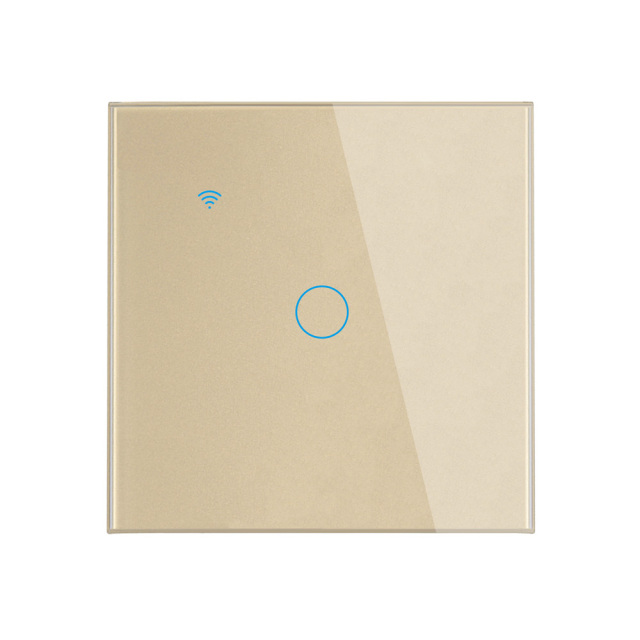
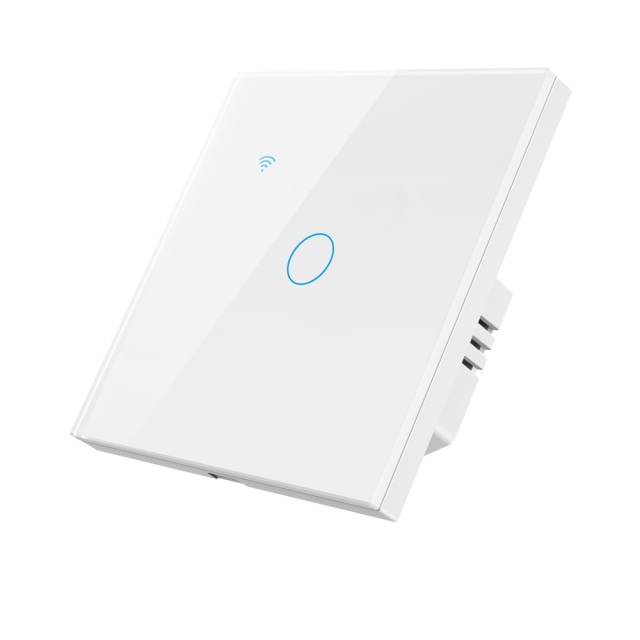
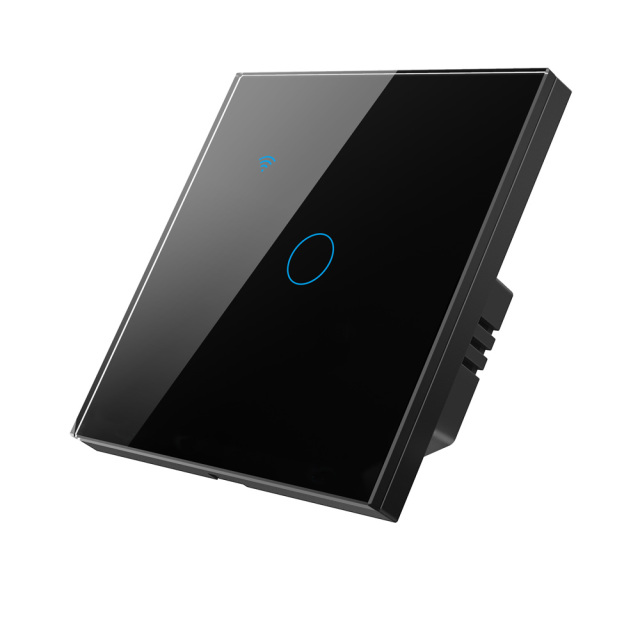
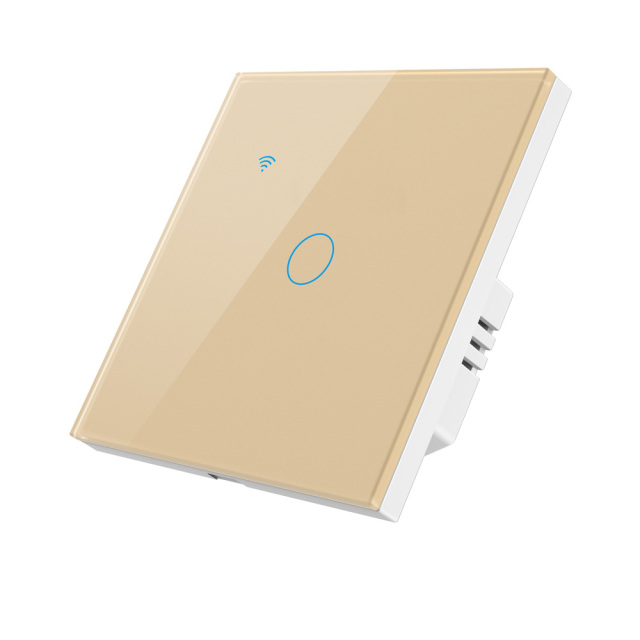
• Tuya Smart 1CH WiFi EU Touch Switch, Glass Panel, Voice/APP/Touch Control, LED Backlight
  • Tuya Smart 1CH WiFi EU Touch Switch, Glass Panel, Voice/APP/Touch Control, LED Backlight
  • Tuya Smart 1CH WiFi EU Touch Switch, Glass Panel, Voice/APP/Touch Control, LED Backlight
  • Tuya Smart 1CH WiFi EU Touch Switch, Glass Panel, Voice/APP/Touch Control, LED Backlight
  • Tuya Smart 1CH WiFi EU Touch Switch, Glass Panel, Voice/APP/Touch Control, LED Backlight
  • Tuya Smart 1CH WiFi EU Touch Switch, Glass Panel, Voice/APP/Touch Control, LED Backlight
  • Tuya Smart 1CH WiFi EU Touch Switch, Glass Panel, Voice/APP/Touch Control, LED Backlight
  • Tuya Smart 1CH WiFi EU Touch Switch, Glass Panel, Voice/APP/Touch Control, LED Backlight
  • Tuya Smart 1CH WiFi EU Touch Switch, Glass Panel, Voice/APP/Touch Control, LED Backlight
  • Tuya Smart 1CH WiFi EU Touch Switch, Glass Panel, Voice/APP/Touch Control, LED Backlight
  • Tuya Smart 1CH WiFi EU Touch Switch, Glass Panel, Voice/APP/Touch Control, LED Backlight
  • Tuya Smart 1CH WiFi EU Touch Switch, Glass Panel, Voice/APP/Touch Control, LED Backlight

Tuya Smart 1CH WiFi EU Touch Switch, Glass Panel, Voice/APP/Touch Control, LED Backlight

No.PST-TY-E1
Tempered glass EU touch switch with neutral or non-neutral wiring and per-gang load ratings for incandescent and LED lamps. Wholesale smart switch supply.
With or Without Neutral line:
N+L
N+L or Only L
  • Tuya Smart 1CH WiFi EU Touch Switch, Glass Panel, Voice/APP/Touch Control, LED Backlight
  • Tuya Smart 1CH WiFi EU Touch Switch, Glass Panel, Voice/APP/Touch Control, LED Backlight
  • Tuya Smart 1CH WiFi EU Touch Switch, Glass Panel, Voice/APP/Touch Control, LED Backlight
  • Tuya Smart 1CH WiFi EU Touch Switch, Glass Panel, Voice/APP/Touch Control, LED Backlight
  • Tuya Smart 1CH WiFi EU Touch Switch, Glass Panel, Voice/APP/Touch Control, LED Backlight
  • Tuya Smart 1CH WiFi EU Touch Switch, Glass Panel, Voice/APP/Touch Control, LED Backlight
  • Description

  • Detailed Images

Product Overview

The Tuya Smart 1CH WiFi EU Touch Switch is a single-gang wall panel with a flat tempered-glass face and a circular touch key. Behind the glass sits a housing shaped to drop into a standard EU wall box, so an installer can replace a mechanical rocker without changing the box or rerouting cable. One gang means one lighting circuit per panel — a bedroom ceiling light, a living-room pendant, a corridor downlight run or a bathroom mirror light.

A tap on the round key is the everyday action. The Tuya Smart or Smart Life app adds remote switching, schedules and countdown timers, device sharing and scenes, while Amazon Alexa or Google Assistant handles the hands-full moments. Fit one panel per circuit and a whole apartment can be managed from a single app account.

Contractors, distributors and integrators pick this model when a smart switch has to fit both new-build and retrofit. A new build usually has a neutral in the box; older EU housing stock often has only live and switched live, and this panel covers both without a second product code, which is what keeps a mixed building on one specification.

As a smart switch manufacturer we supply it either as a standalone line or inside a mixed Tuya order with sockets, plugs, locks and circuit breakers, so one shipment, one app ecosystem and one set of documents covers the electrical package.

Glass Panel, Finish & Colours

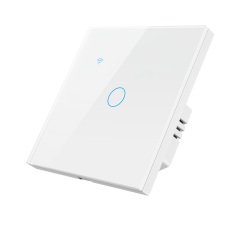
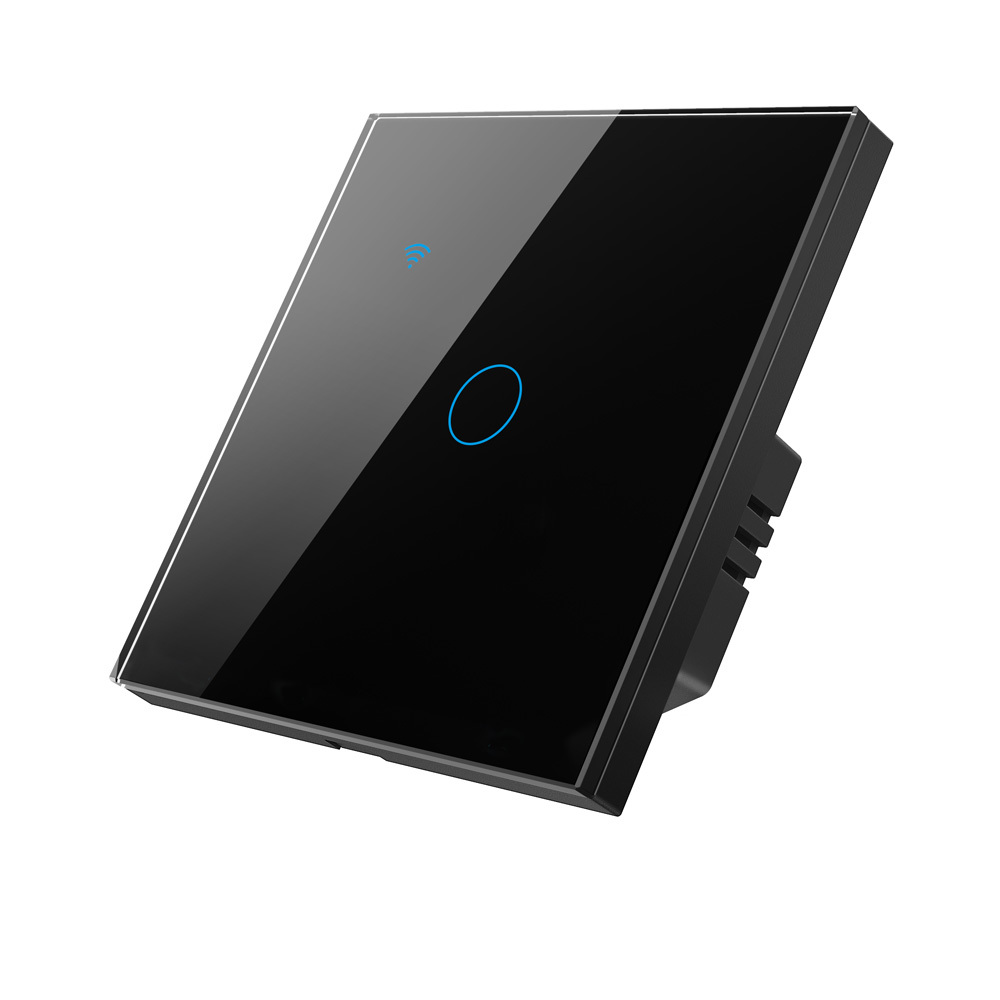
The face of this touch wall switch is tempered glass rather than moulded plastic. Glass takes the daily handling of a hallway or kitchen switch without the scuffs and hairline scratches that dull a glossy plastic cover, and it wipes clean in one pass with a damp cloth — a small thing that matters in rented property, hotels and anywhere panels are handled with dusty or damp hands. The panel is cut with a crystal edge, so it sits flat and square against the wall instead of reading as a plate screwed over a mechanism.

Behind the glass, the back shell is fire-retardant PC. It carries the mounting points, keeps the electronics clear of the wall box and takes the strain when the screws are drawn down. Ask installers not to over-torque: glass panels should be tightened evenly, never forced on one screw.

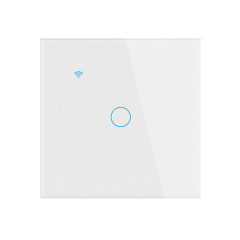
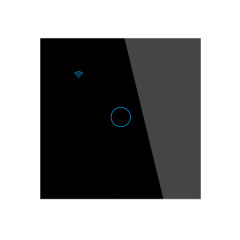
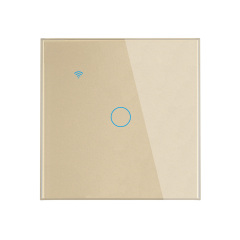
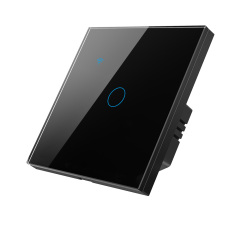
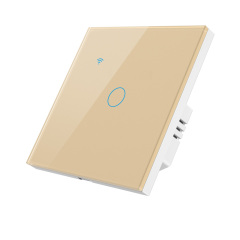
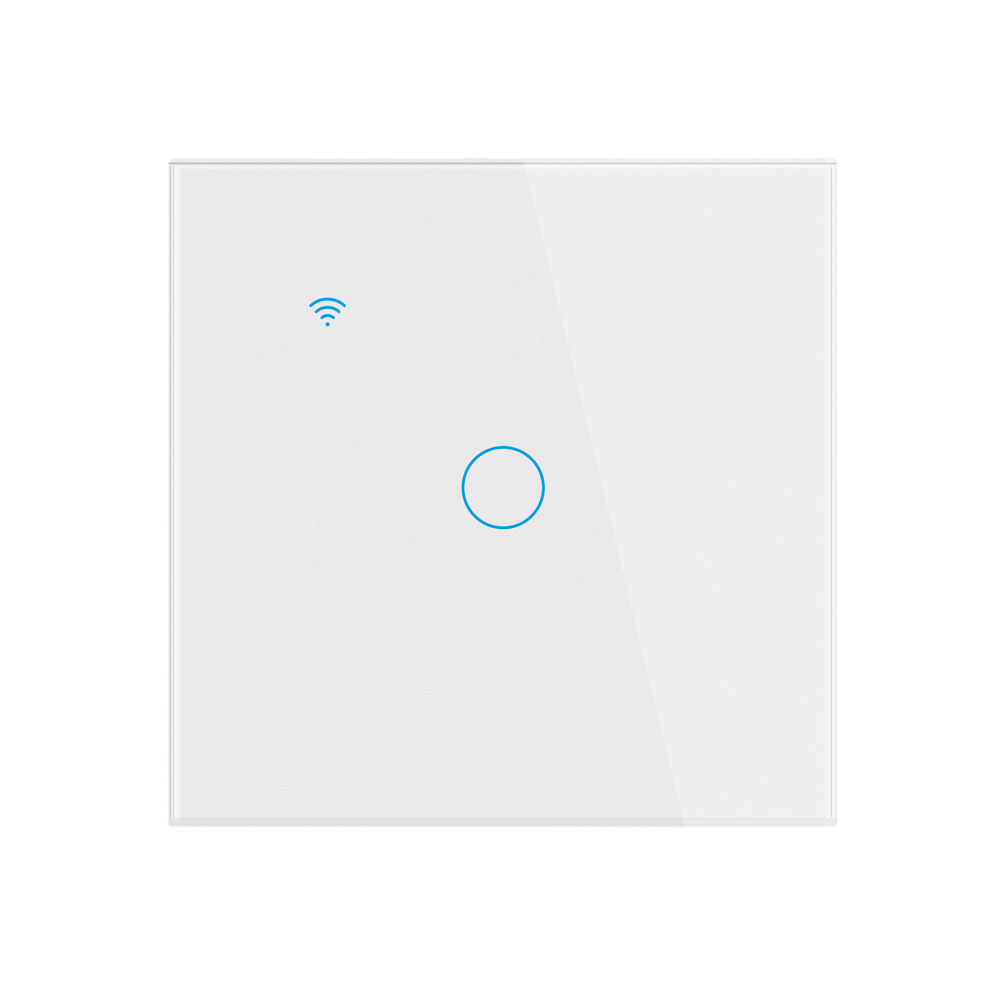
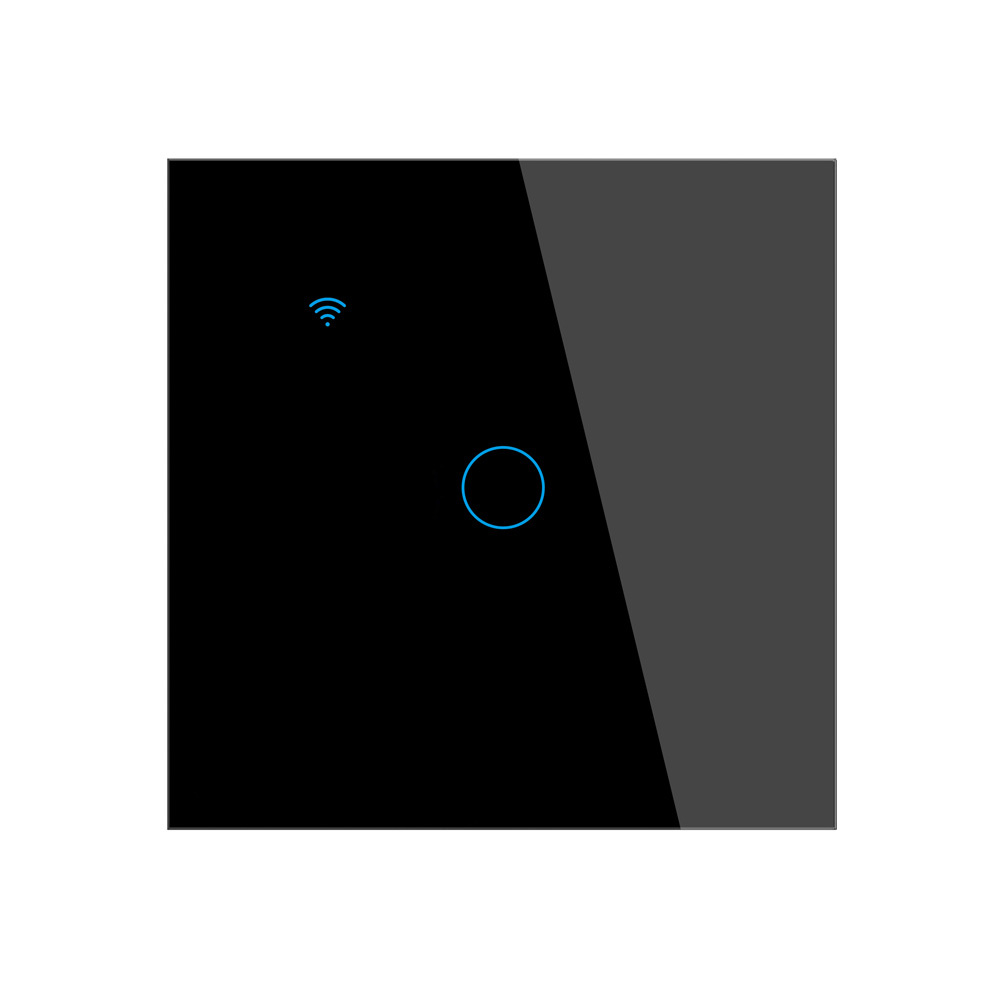
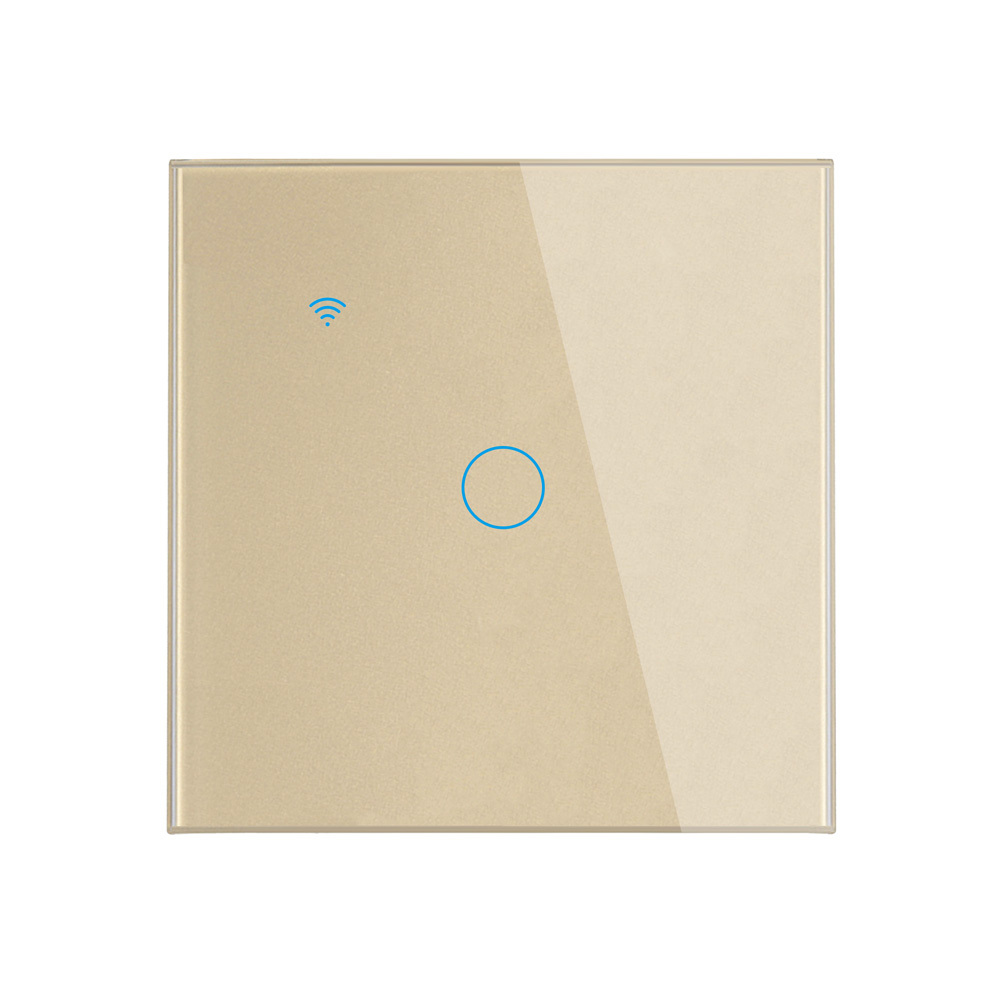
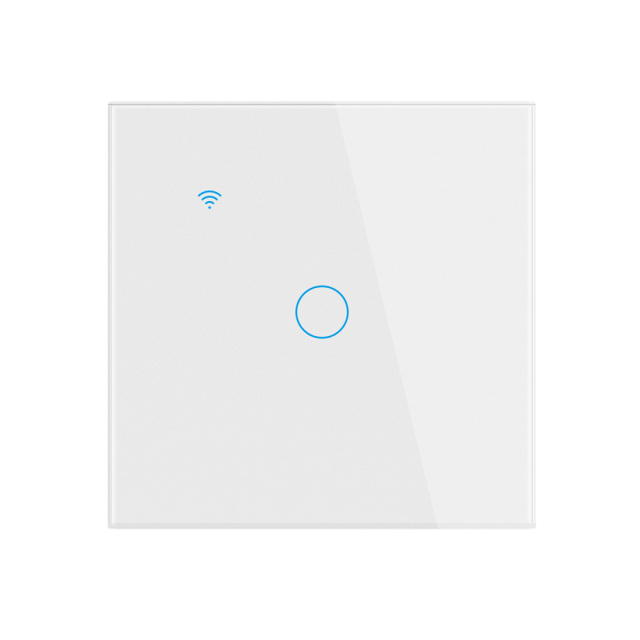
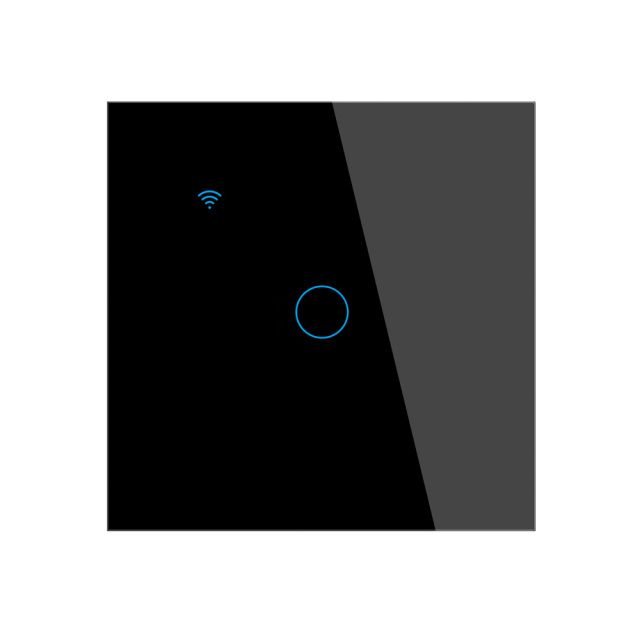
Four colourways are available: white, black, gray and gold. White blends into standard white walls and ceiling-line joinery, gray suits modern grey-toned interiors and commercial corridors, black gives a dark feature wall a switch that does not break the line, and gold is the finish hotel and show-apartment projects usually ask for in lobbies and guest rooms. Because the colour runs through the glass face, there is no painted edge to chip at the corners. Where a building needs visual continuity, keep one colourway per floor or per unit type; the same rule keeps a wholesale smart switch range easy to stock.

Clean with a soft, damp cloth. Abrasive pads, acetone and alcohol-heavy sprays can dull the cut edge of the glass, so keep them off the panel.

Control Modes & App Control

  • Touch control: A light press on the circular key switches the circuit; there is no rocker, no button travel and nothing mechanical to stick or wear out.
  • Tuya Smart or Smart Life app: Remote on/off from anywhere, plus weekly schedules, countdown timers and the ability to rename each panel by room.
  • Voice control: Works with Amazon Alexa and Google Assistant — the name you give the device in the app is the name you speak.
  • Scenes and grouping: Group several panels so one "Goodnight" scene clears the downstairs lighting, or tie the switch into a Tuya scene with sockets and curtains.
  • Sharing and multi-user control: Give family members or a building supervisor their own access, and withdraw it when a tenancy or a staff role ends.
  • Soft LED backlight: The indicator makes the key findable in a dark corridor and can be switched off in the app when a bedroom needs to stay completely dark.
  • Status memory: After a power cut the relay returns to its previous state, so corridor and display lighting comes back without anyone resetting it.
  • No gateway needed: This smart switch talks directly to the router, so a project does not have to budget for a hub per apartment.

Wiring & Load Compatibility

Most of the questions we field as a smart switch supplier come down to what is actually inside the wall box. Two wiring cases are supported. Where the box has a neutral, the panel wires like any modern smart device: live, neutral and switched live. Where it does not — still common in older EU apartments — the switch runs on the two-wire arrangement, and the capacitor packed with the unit provides the return path the electronics need to stay powered while the lamp is off. An installer can therefore survey a building once and order a single model for every apartment.

The load rating is split between conventional and LED lamps because the two behave differently: an incandescent lamp is a simple resistive load, while an LED driver pulls a short inrush current at switch-on. Keep the total per gang inside the published band for the lamp type actually fitted. In a no-neutral install, a very small LED load — a single low-wattage bulb — can leave too little current to hold the electronics up, which shows as flicker or a panel that will not settle; fit a lamp with a higher draw or move that circuit to a neutral-wired box.

This wifi smart switch joins 2.4GHz access points only, so on commercial sites where each floor carries its own network name, record which network every panel is registered to before handover. Check the wall box as well: a standard EU square box with enough depth to take the body and the folded conductors. One model covers both 110 V and 230 V markets, which lets a distributor hold a single box code and a single spares pool across regions.

Installation & Commissioning

  1. Isolate the circuit at the breaker and test that the conductors are dead before the old switch comes off the wall.
  2. Check the box itself: it should be square, with solid fixing points, because a loose or cracked box will not hold the glass panel flat.
  3. Identify live, switched live and, where present, neutral, and photograph the original wiring before anything is disconnected.
  4. Wire to the diagram that matches the site: neutral present, or the two-wire arrangement with the supplied capacitor fitted exactly as drawn.
  5. Fix the smart switch with the two screws, working evenly so the glass sits square, then restore power — the touch key works immediately, before any app setup.
  6. Pair the panel: open Tuya Smart or Smart Life on a 2.4GHz network, add the device, and hold the touch area until the indicator flashes.
  7. Name each panel by room, build the schedules and scenes, then link Alexa or Google Assistant and run one voice test before handover.
  8. Close the job properly: label the breaker, hand the manual to the occupant, and record which app account the device is registered to.

Package List

Each PST-TY-E1 box holds the touch wall switch with its rear housing already fitted, two mounting screws, one capacitor and a printed user manual. The screws suit the standard box, so the electrician is not hunting for fixings on site, and the manual carries the wiring diagram and the app pairing sequence for whoever holds the property afterwards.

The capacitor belongs to the panels that will be wired without a neutral. Keep it with its own unit rather than pooling capacitors and manuals in a bag at the bottom of a crate — a capacitor that goes missing is the usual reason an installer has to come back.

Nothing else is needed for a standard installation: no gateway, no hub and no separate power supply. What the box does not contain is the wall box, the lamps and the phone or tablet that runs the app; those come from the site. On a multi-panel job, unbox one panel at a time and match the manual and capacitor to it before it goes up the ladder.

Applications & Projects

  • Apartment retrofit: Replace the old rocker with a touch wall switch without altering the box; the no-neutral arrangement covers older wiring.
  • New-build residential: One smart light switch per circuit, same colourway across a unit type, so snagging and handover lists stay short.
  • Hotels and serviced apartments: Guest-arrival schedules for entrance and bedside lighting, with one colourway per floor.
  • Offices and small commercial: One wifi smart switch per lighting circuit, with after-hours schedules and grouped control for open-plan zones.
  • Shops and showrooms: Window and display lighting on timed on/off, so the front is lit before staff arrive.
  • Multi-unit residential: Where a smart home light switch standard is rolled out across blocks, keep the same model and colourway so later replacements match.
  • Contractors and integrators: Buying from one smart switch supplier keeps panel colour, firmware and paperwork consistent across a phased rollout.

Specifications

Product NameTuya Smart 1CH WIFI EU Touch Switch
ModelPST-TY-E1
APP NameTuya Smart or Smart Life
Switch Channel1CH
VoltageAC 100V-240V 50/60Hz (wide voltage range for global use)
Switch ModeTouch/Mobile phone
WiFi StandardsIEEE 802.11 b/n/g 2.4G Hz
Voice ControlWorks with Amazon Alexa and Google Assistant
MaterialTempered glass panel (scratch-resistant, easy to clean) + Fire-retardant PC back shell
ApplicationSpecifically designed for controlling home lamps
Rated Power10-400W/gang INC, 5-200W/Gang LED
Wiring CompatibilitySupports both neutral wire and non-neutral wire installation(Extra)
Control ModesTouch Control, APP Remote Control, Voice Control, Timer Control
Product Dimensions (Switch Body)86*86*35mm
Operating Temperature−10 °C to +60 °C
Humidity5%--95% non-condensing
ColourWhite / black / gray / gold
Box Dimension10*10*5cm
Unit Weight0.21kg
Carton Packing50PCS per ctn: G.W: 10.2kg, carton: 51x22x26cm
Requirement on the projectWhat this 1CH panel does
What to put on that circuit ------
--- Straight on/off lighting controlMatches — touch, app, voice and timer switching of one lighting run from one wall box
This panel, one per circuit, with no gateway or hub in the bill of materials Brightness control (dimming)Not supported — the relay switches the circuit fully on or fully off and cannot vary output
A dedicated smart dimmer on that circuit, or dimmable lamps held on permanent live and dimmed from their own remote or app Energy consumption readingsNot supported — there is no metering circuit inside the panel and no consumption view in Tuya Smart or Smart Life for this device
A metering device on the same circuit, such as the Tuya metering socket in this range, or per-circuit monitoring taken at the distribution board Current monitoring at the boardOut of scope — this is a wall panel, not a breaker
2P Tuya smart MCB with 16A–125A options, ±5% current monitoring accuracy and 6kA breaking capacity Tenant recharge or cost allocationNo consumption figures to bill from, so it cannot sit behind a recharge scheme
Sub-metering per unit or per circuit; keep the wifi smart switch as the control point and meter on a separate device Scheduled shut-off and scenesSupported — schedules, countdown timers, scenes, device sharing and status memory after a power cut
This model; the saving comes from lights switched off on time, not from a live readout One specification covering control and meteringShares a Tuya Smart or Smart Life account with the sockets, plugs and breakers in the same order
Quote the smart light switch and the metering device as separate line items so each tender item is met by the device built for it A tender that lists consumption reportingCannot meet it, and should not be carried into that line
Raise it at specification stage; tell us which circuits need measurement and we will confirm which Tuya devices report consumption and what data each one makes available

Ordering, Packing & Delivery

  • Colour mix: Give your sales contact the white, black, gray and gold split per shipment and per carton, so the pick list matches the site schedule floor by floor.
  • Consolidated shipments: Wholesale smart switch orders are commonly consolidated with sockets, plugs and locks in one container. Carton sizes differ across the range — the 2P Tuya smart MCB circuit breaker in the same programme ships 36 pcs to a carton at 13.7 kg — so plan pallet heights around the largest carton in the mix.
  • Customisation runs: Handled on our own line as the smart switch manufacturer, with minimums of 300 pcs for laser logo and icon design, 1,000 pcs for PID OEM, and 2,000 pcs for box and manual OEM.
  • Samples: Ask your sales contact about sample availability and the current sample lead time before a project is specified.
  • Lead time and payment: Production lead time and payment terms are confirmed with your sales contact when the order is placed, and both shift with the colour mix and the customisation chosen.
  • Shipping: Export cartons, palletised on request; confirm shipping terms, destination port and the document set with your sales contact.
  • Spares: Add a few extra panels to a project order so a damaged unit can be swapped without a second shipment.
  • Most distributor customers eventually want their own brand on the panel rather than ours. Four things can be changed on this model: the product ID the app registers, the laser-etched logo on the glass, the icon layout on the face, and the printed box and manual. The electrical design, the Tuya firmware and the load ratings stay as they are, so an installer's wiring practice and how end users operate the app do not change when the logo does. The usual route is straightforward: send the logo file, the icon layout you want, and the artwork for the box and manual; we return proofs for approval; production starts after sign-off. Icon design is worth settling early — a bedroom panel reads better with a lamp symbol than a generic power symbol, and hotel projects often ask for a matching master-switch or do-not-disturb icon on the same glass face. A wholesale smart switch range in two or three colourways, boxed under one brand, is the usual way a distributor enters the category without developing hardware. We work as a smart switch supplier as well as a producer, so ODM requests are quoted against your drawings: a different faceplate layout, a specific icon set, or a co-ordinated range across switches and sockets. Send the brief with your target quantity and market and our team will come back with the options that fit.

Testing & Compliance

Compliance paperwork matters as much as the hardware itself. The Tuya-based smart home and smart electrical products we supply carry FCC, CE, UL and RoHS certification, and every order passes 100% quality control before dispatch. Tell us which directive, standard or market your buyers check against, and we will confirm the applicable certificates and third-party test reports for the models you plan to stock — issued per project, never as blanket claims. When a range is updated, we help distributors keep their files current, and we stay with you through replacement and after-sales.


FAQ

Can I still use the switch if the WiFi goes down?

Yes. The touch key is local, so anyone standing at the panel can switch the light as normal while the router is off or the internet is down. What stops is the remote side: the Tuya Smart or Smart Life app, voice commands and schedules all depend on the 2.4GHz network.

Does it connect to 5GHz WiFi?

No. This wifi smart switch joins 2.4GHz networks only, which is standard across Tuya devices. If the router publishes one combined network name, split the bands or give the 2.4GHz band its own name during commissioning and register the panel on that one.

How do I reset the switch to factory settings?

Press and hold the touch area for roughly five to ten seconds until the indicator starts flashing, then release. The panel clears its network settings and returns to pairing mode; schedules and scenes built around it have to be set up again in the app.

Is this a dimmer?

No. This is an on/off smart home light switch: it switches the circuit fully on or fully off and does not vary brightness. Dimmable lamps can sit on the circuit, but the dimming itself has to come from a dedicated smart dimmer or from the lamp's own control.

Does it report energy consumption?

No. This panel does not measure or report energy consumption — there is no metering circuit inside it and no consumption view in the Tuya Smart or Smart Life app for this device. What the app reflects is switching state, schedules and countdown timers, so treat it as a control point rather than a monitoring point.

For a lighting circuit that is usually enough. Consumption follows from the lamps fitted and the hours they run, and a schedule that reliably switches a circuit off after hours generally moves the bill further than a live readout does. Occupants can still see whether a light is on and switch it off remotely, which covers the everyday case.

Metering becomes a genuine requirement in specific situations: recharging electricity to tenants or licensees, floor-by-floor reporting in hotels, or projects that must submit consumption data as part of sustainability reporting. In those cases, plan a metering device into that circuit instead of this panel, and keep measurement and switching as separate line items in the specification.

If a tender or project document lists consumption reporting as a requirement, do not carry this model into that line — quote a metering device alongside it so the requirement is met properly. Tell us at the specification stage which circuits need measurement, and we can confirm which options in the Tuya range suit the load and what data each one makes available, since that differs between devices and should be checked rather than assumed.

Worth flagging to end users too: savings from this switch come from better control — nothing left on overnight, scenes that switch a group off together — not from measurement. If a client specifically expects a consumption dashboard, clear that up before installation rather than on handover day.

Can it be installed in a bathroom or outdoors?

It is built for indoor, dry locations — bedrooms, living rooms, corridors, offices and hotel rooms. Keep it out of bathrooms, shower areas and outdoor positions; wet and damp locations need fittings designed for them.

What is the difference between the 1CH and 2CH versions?

The 1CH panel controls one run of lighting from one wall box, while the 2CH version controls two circuits from the same footprint. Choose 1CH where a single circuit serves the room and step up to 2CH when two lighting zones share one box; the installation routine and the app operation are otherwise the same smart light switch process.

What should I do if the touch panel stops responding?

Check that the circuit has power first, because a tripped breaker looks exactly like a dead panel. If power is fine, reset the switch. If it still does not respond, stop using it and contact your supplier with the batch details so the unit can be assessed.

Can it be used with smart bulbs?

It can, but the two systems work against each other. A smart bulb needs permanent power to stay on the network, and this panel cuts power to the circuit. If the bulb is the smart part, leave the wall panel switched on and control the bulb from its own app; if the panel is the smart part, fit ordinary lamps.